

The Marketplace is a library of pre configured tabular reports built by CommuSoft. To access it,
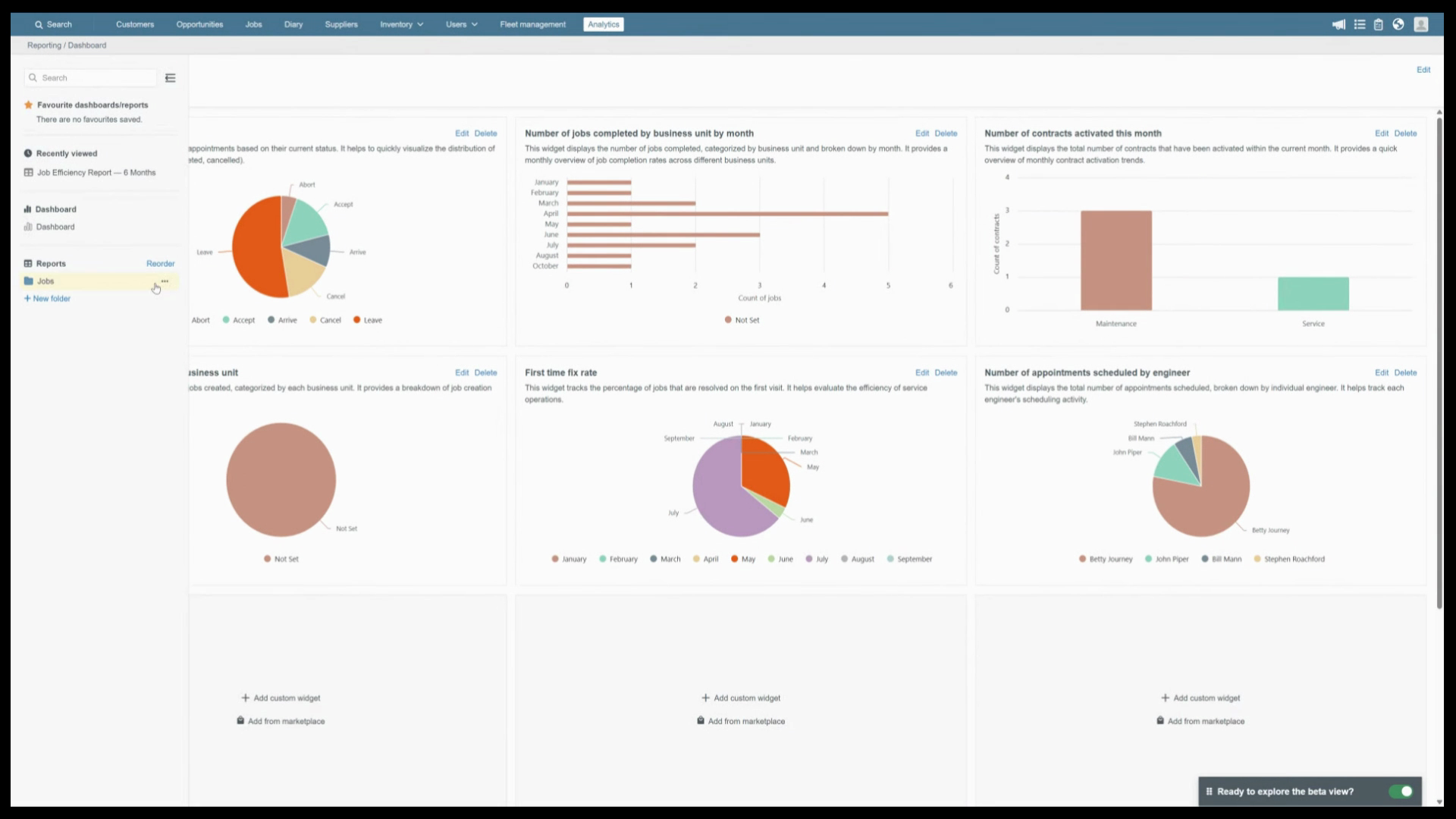
hover over a folder name, click the three dots and
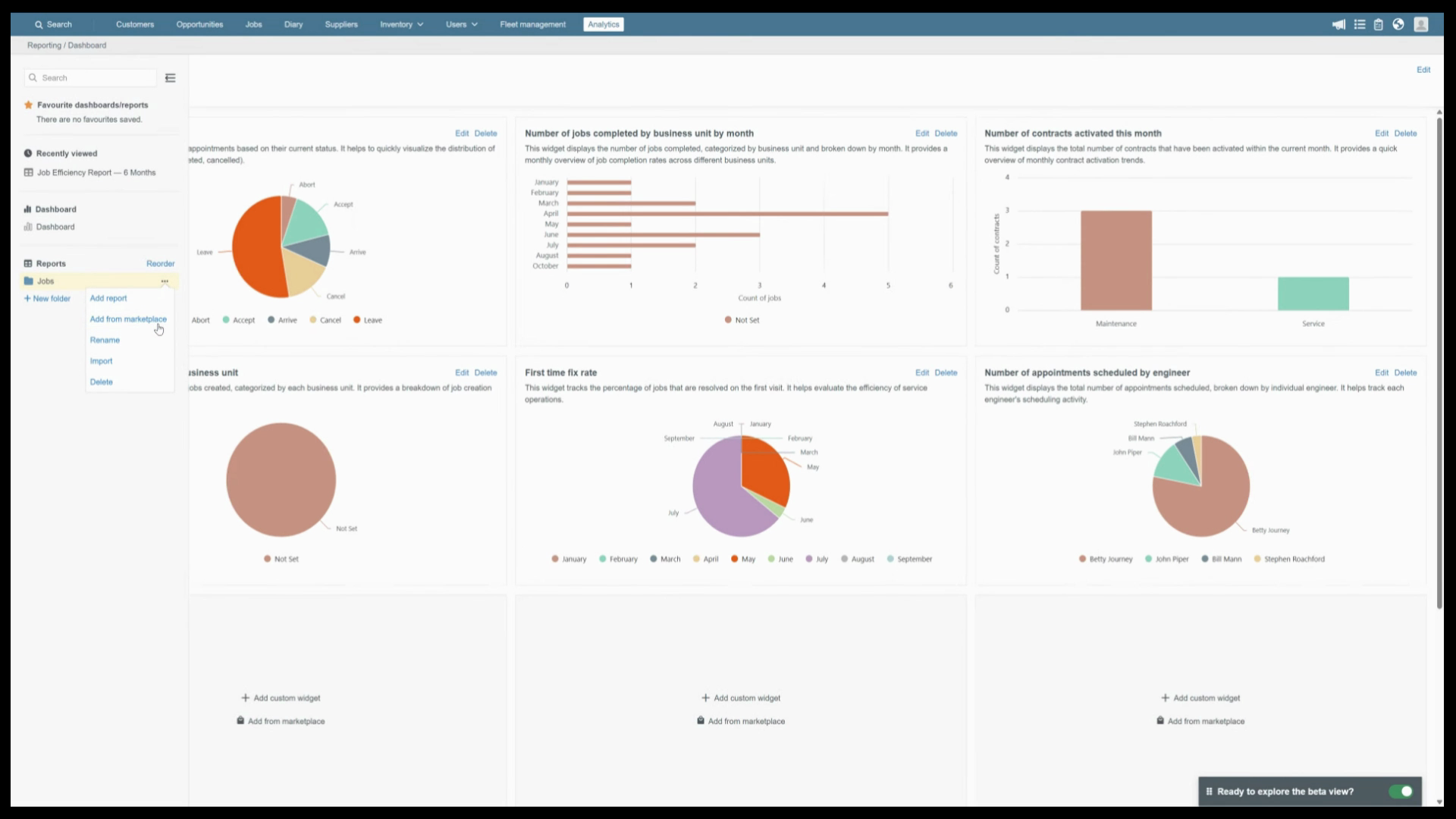
select Add from Marketplace. Reports are organized into operational performance, CRM, invoicing, and profitability, or
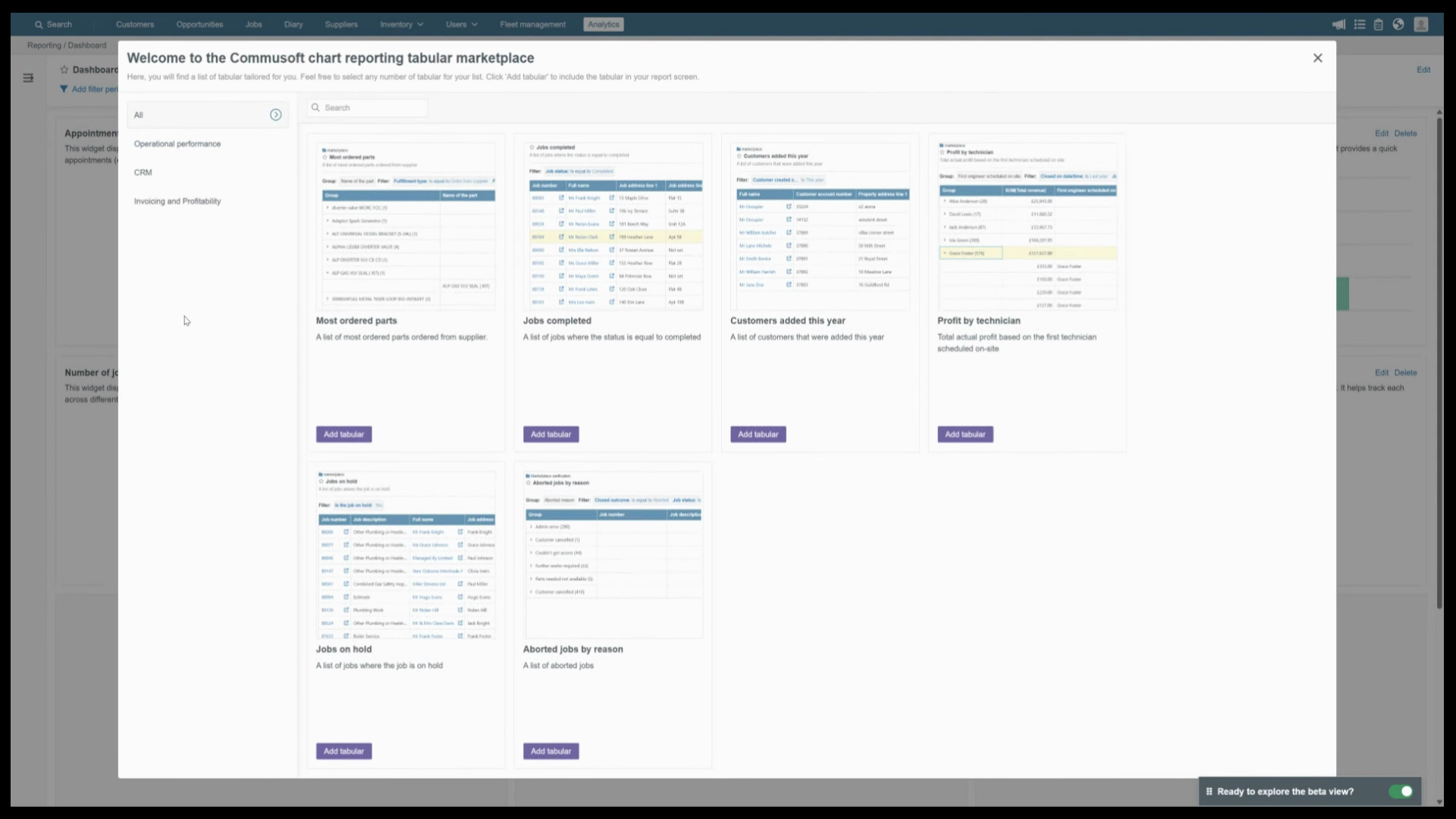
Browse everything under All. When you find the right one,
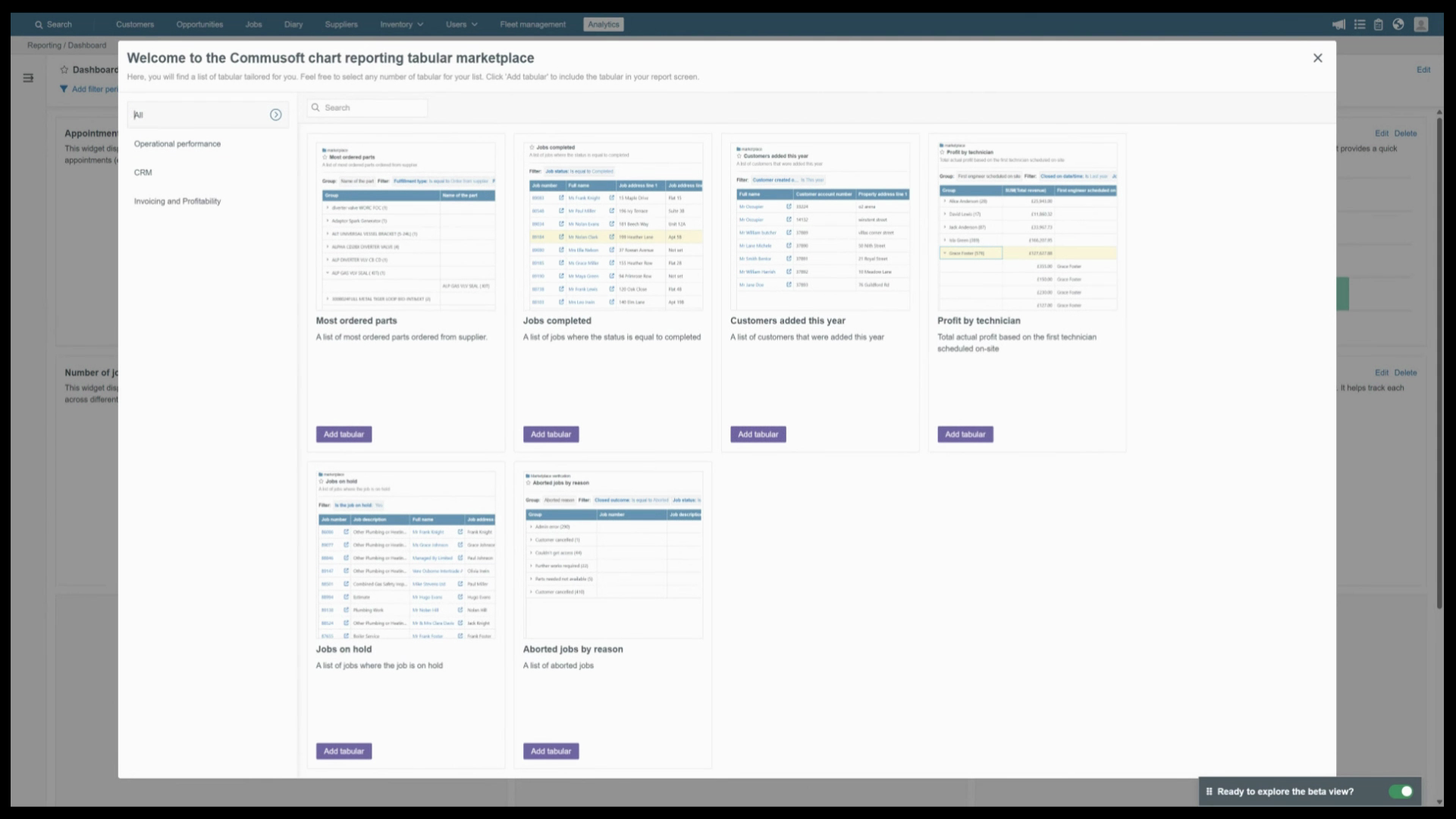
click Add Tabular and it's added to the folder straight away. Already configured and ready to activate
Import is for when a colleague has already built and shared a report with you as an exported
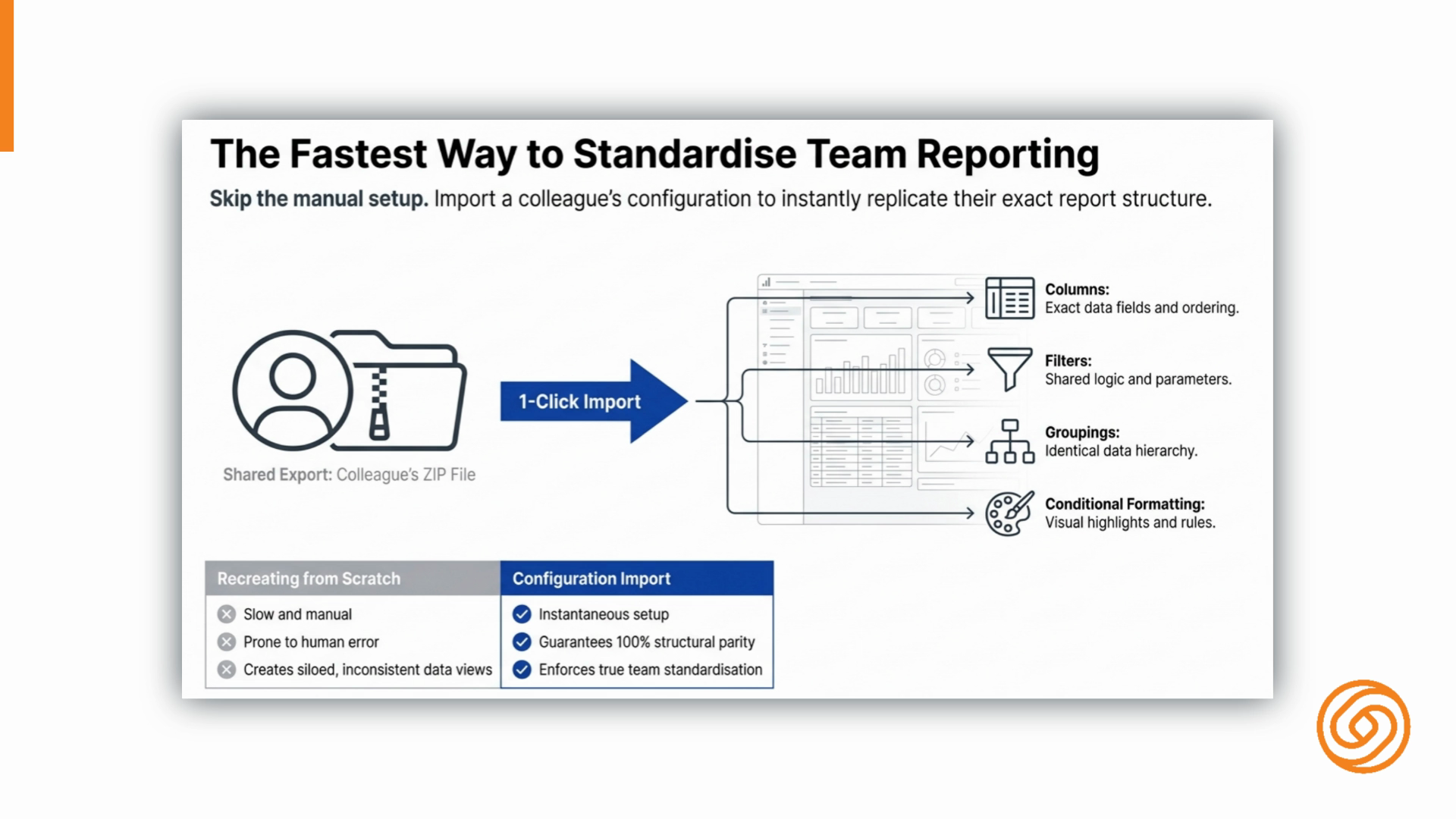
zip file. Instead of recreating it from scratch, you
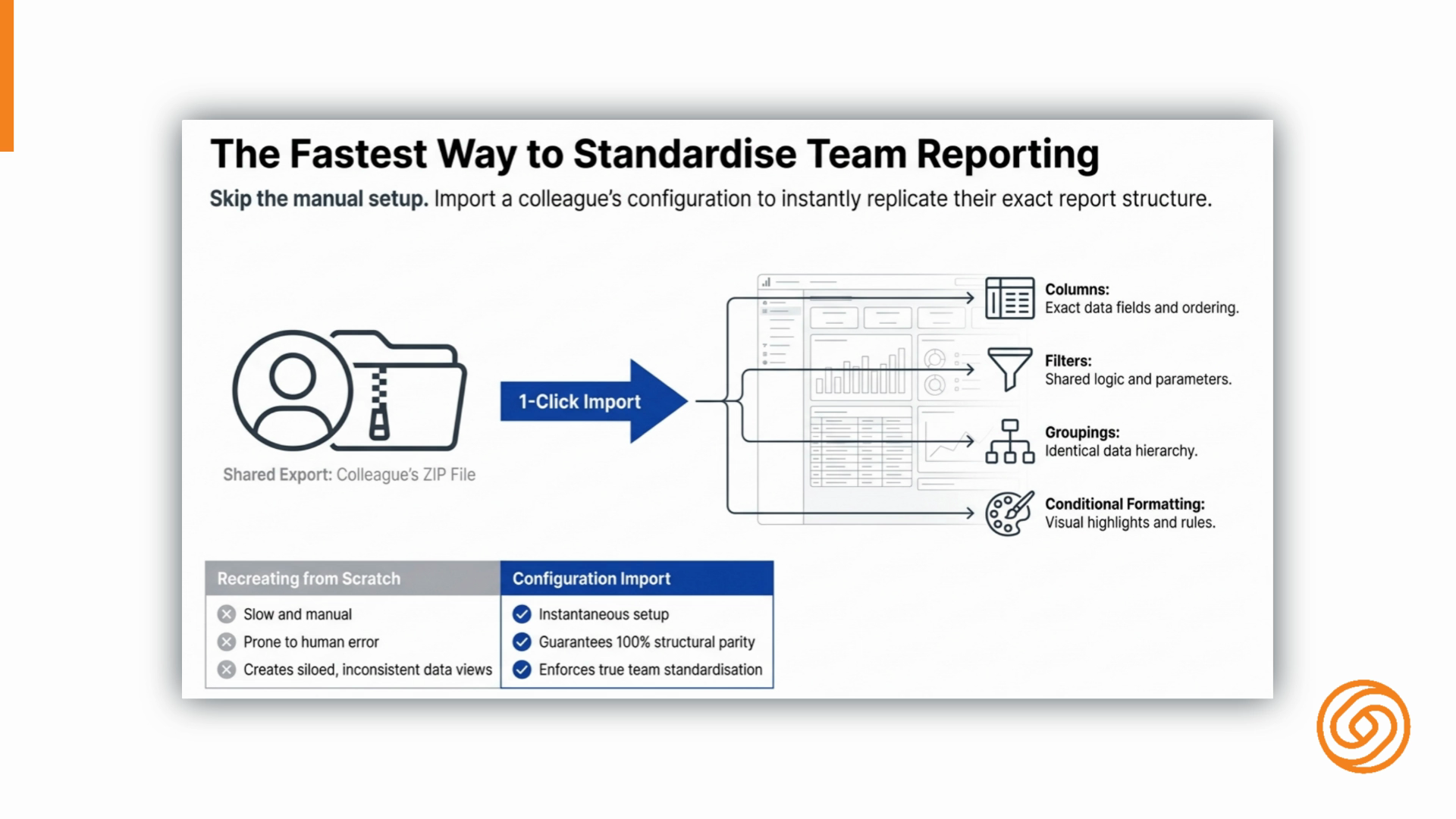
import the file and the full report configuration comes across columns, filters, groupings, and conditional
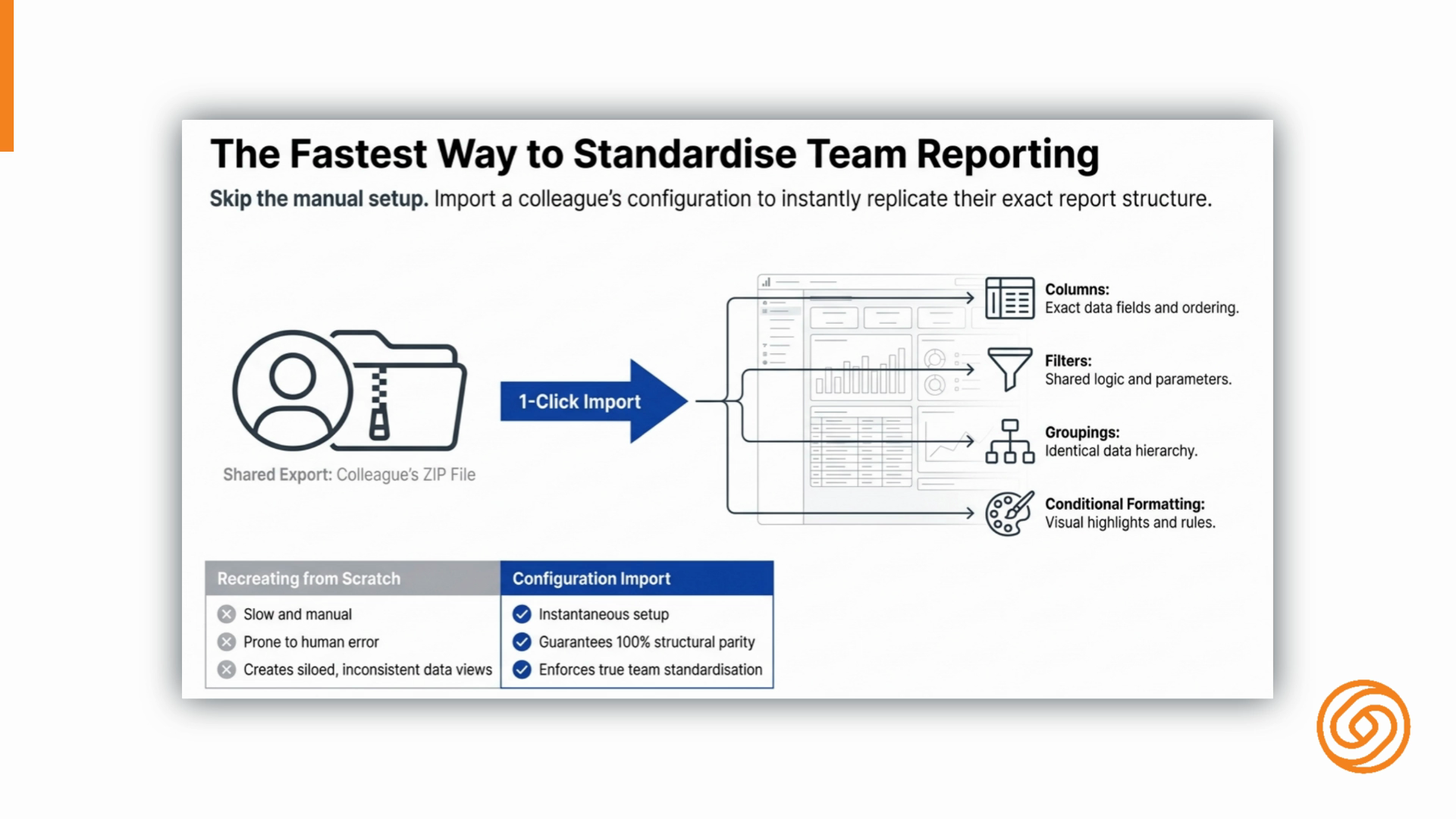
formatting included. It's the fastest way to standardize reporting across a team. To import, Hover over the folder,
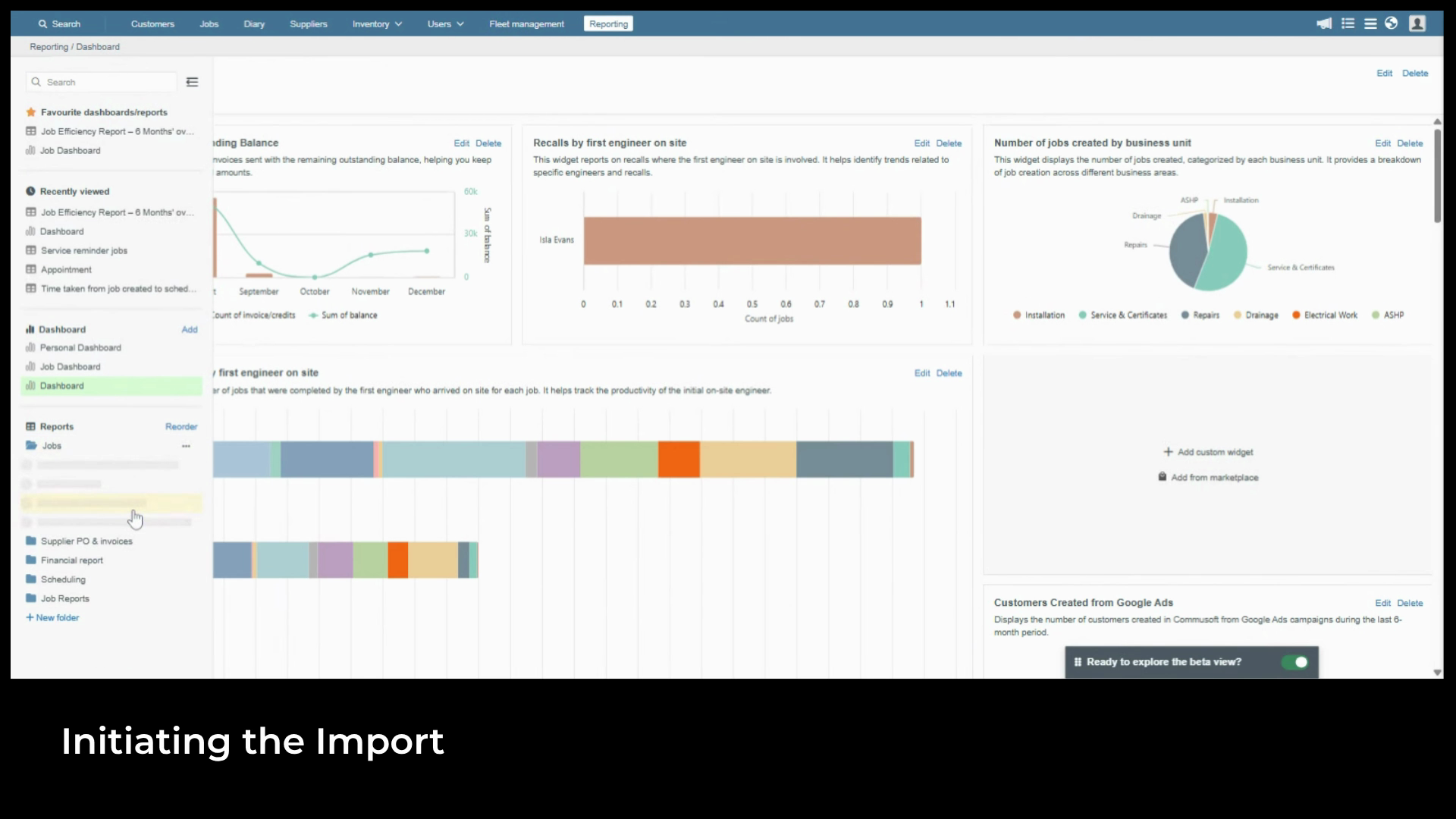
click the three dots and select Import. A file browser opens,
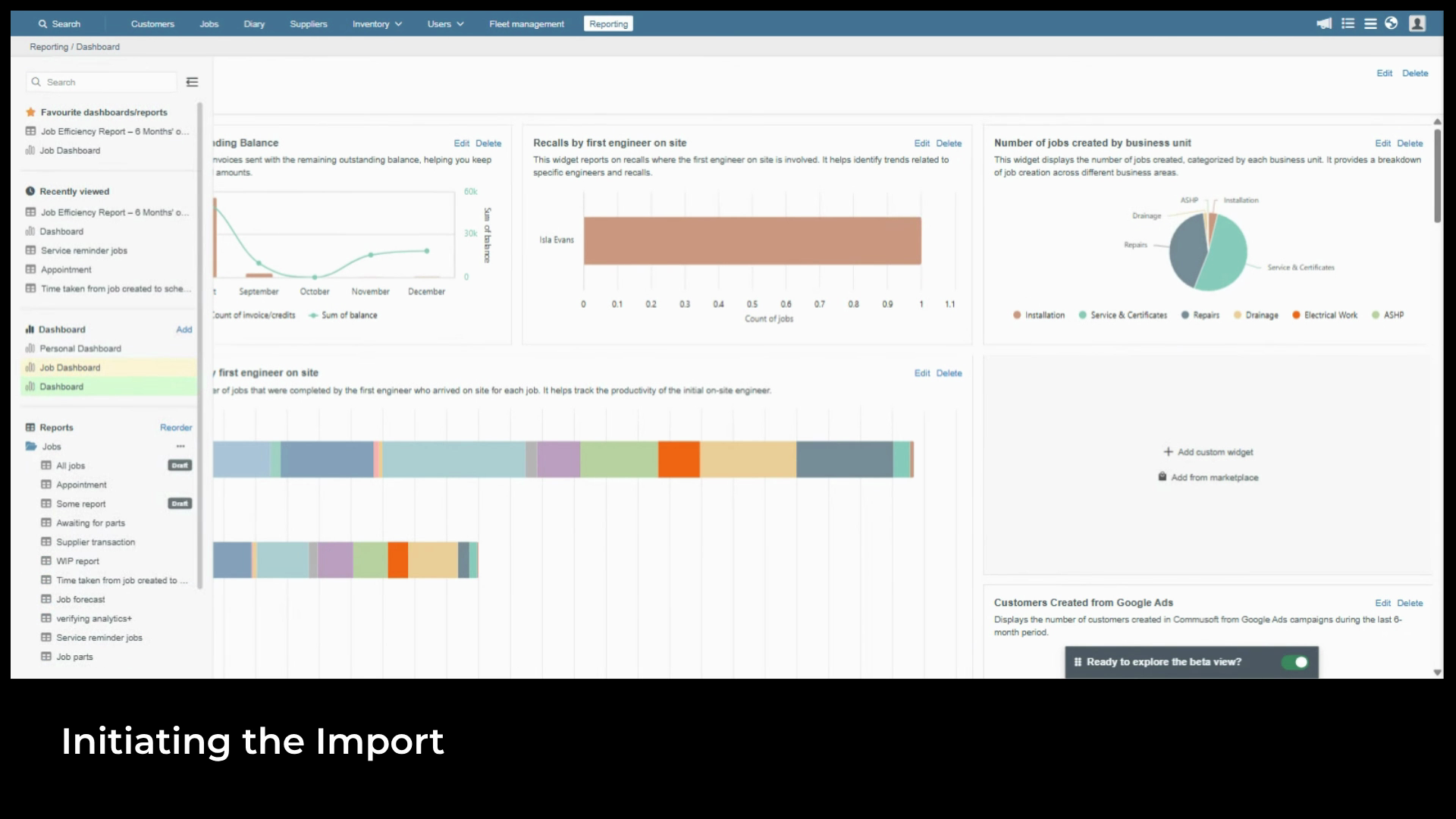
select the zip file and
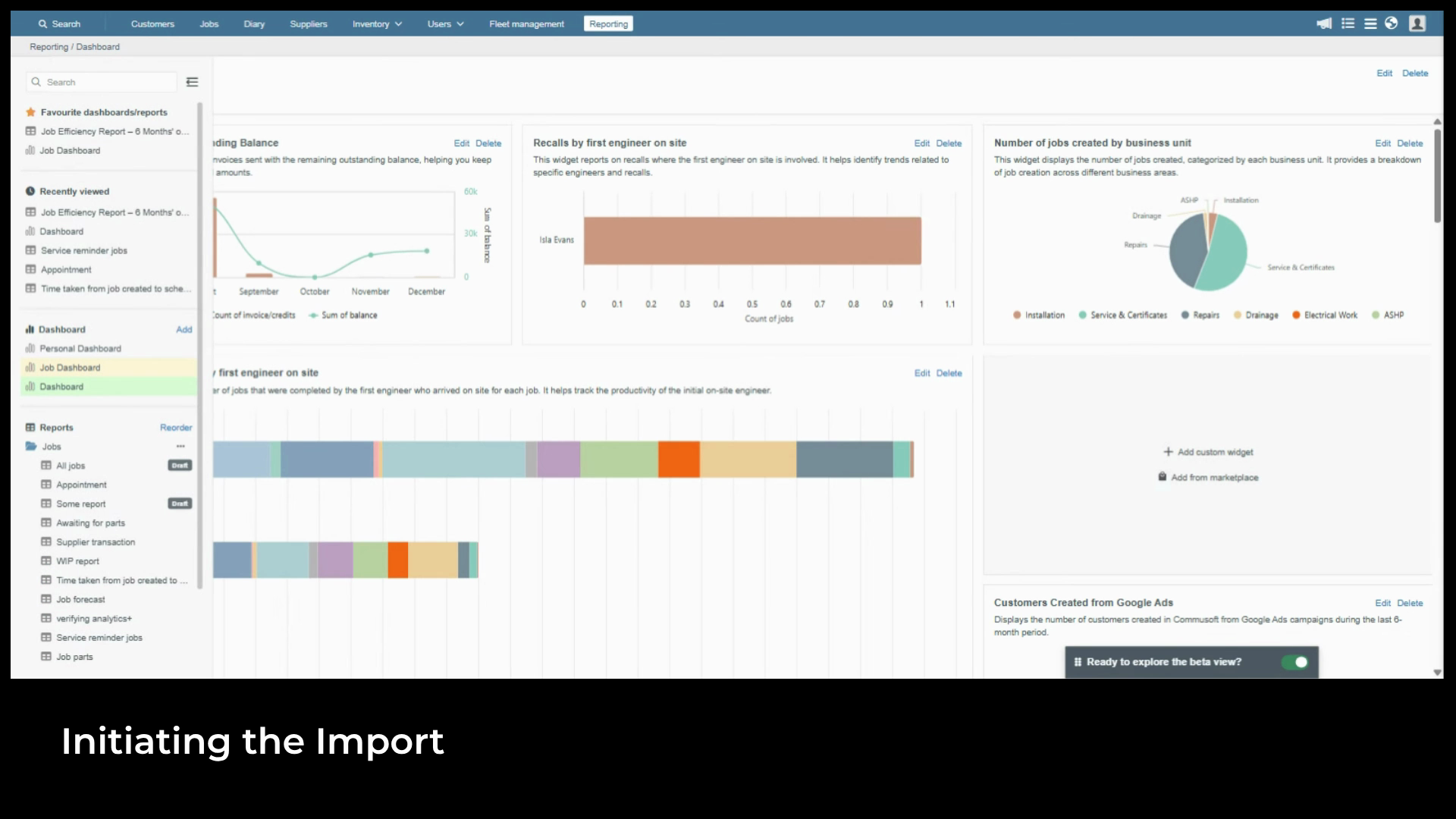
click Open. Once the import is complete, a confirmation
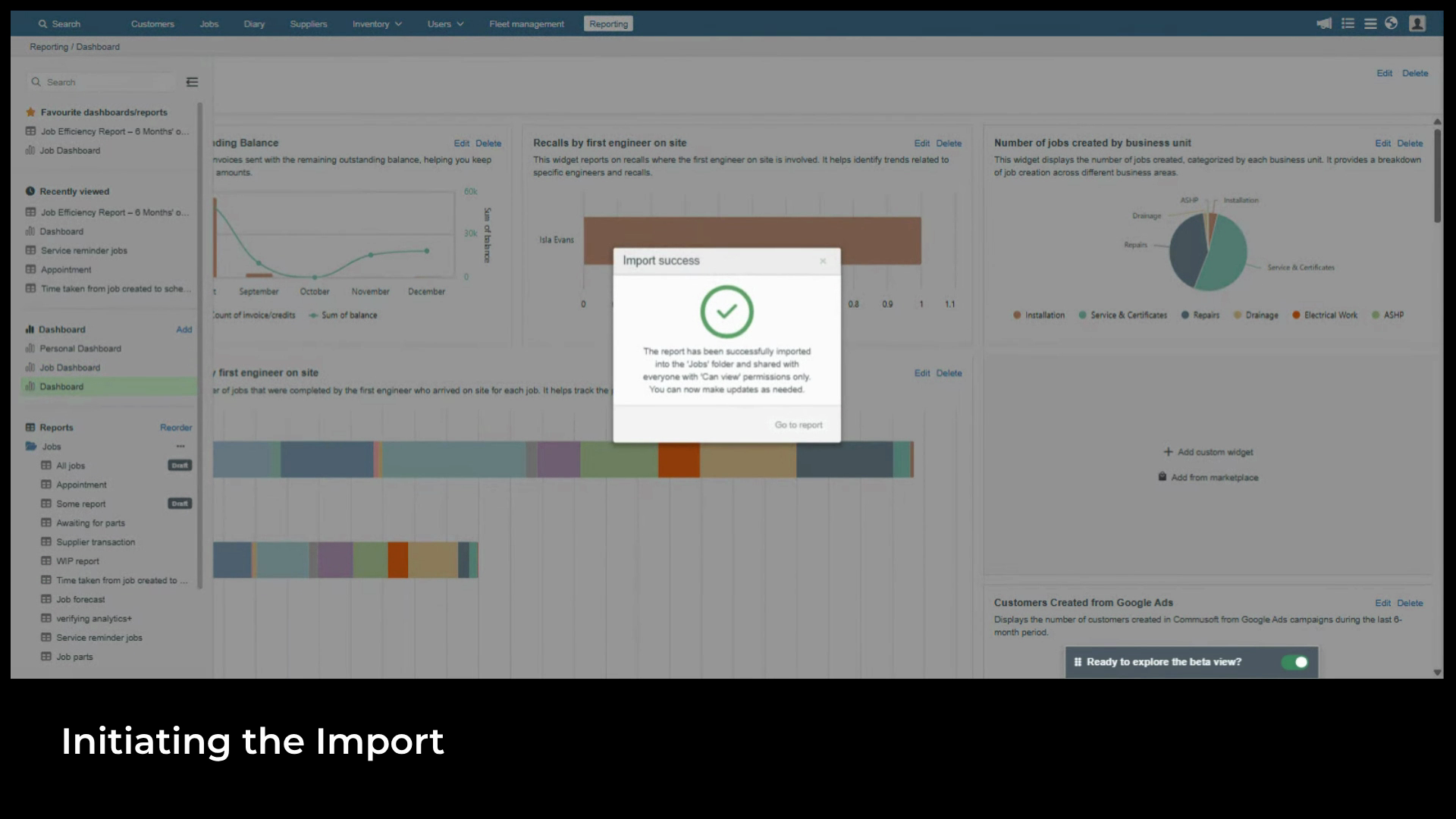
pop up appears. Click
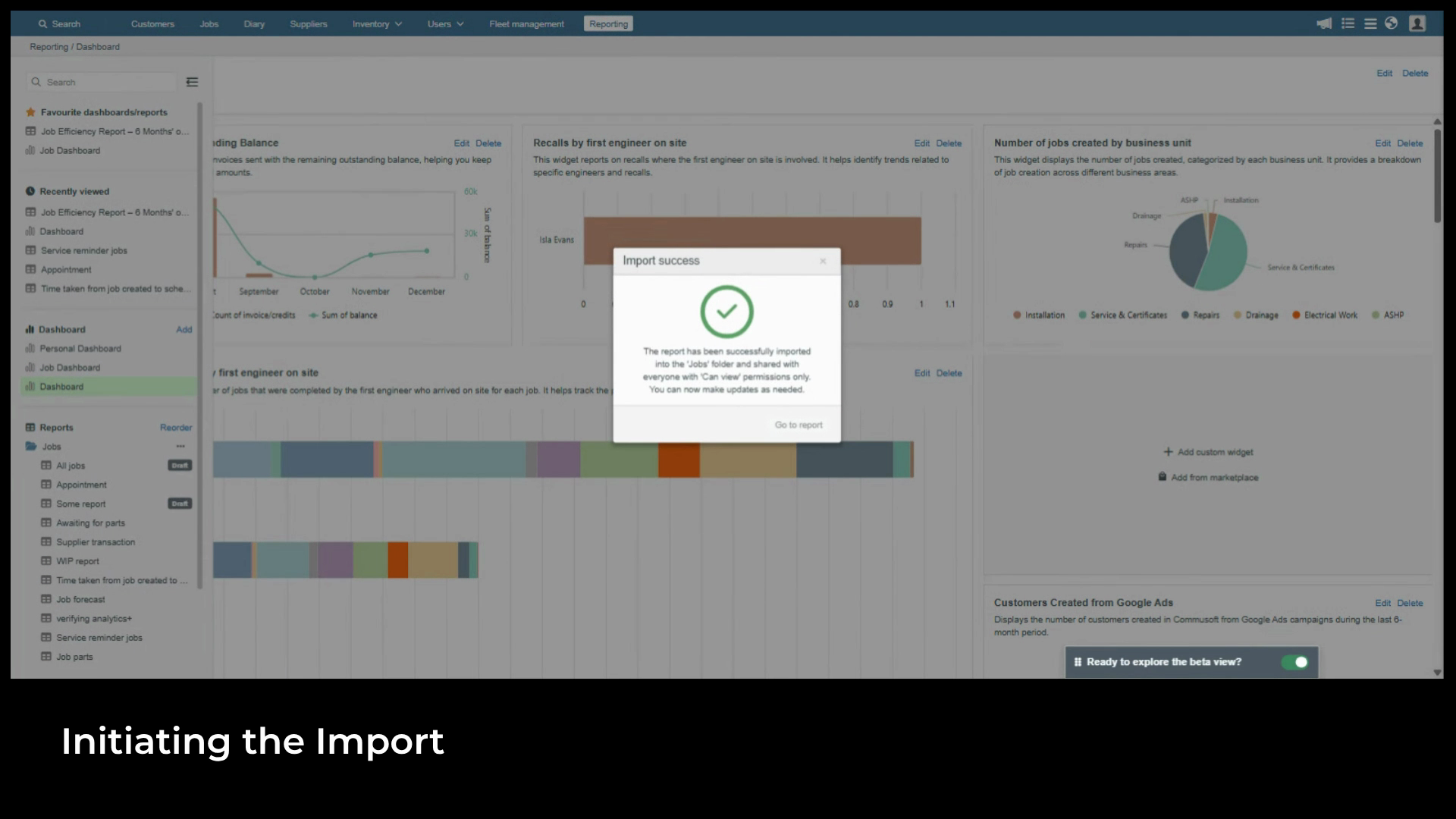
Go to Report to open it. The imported report
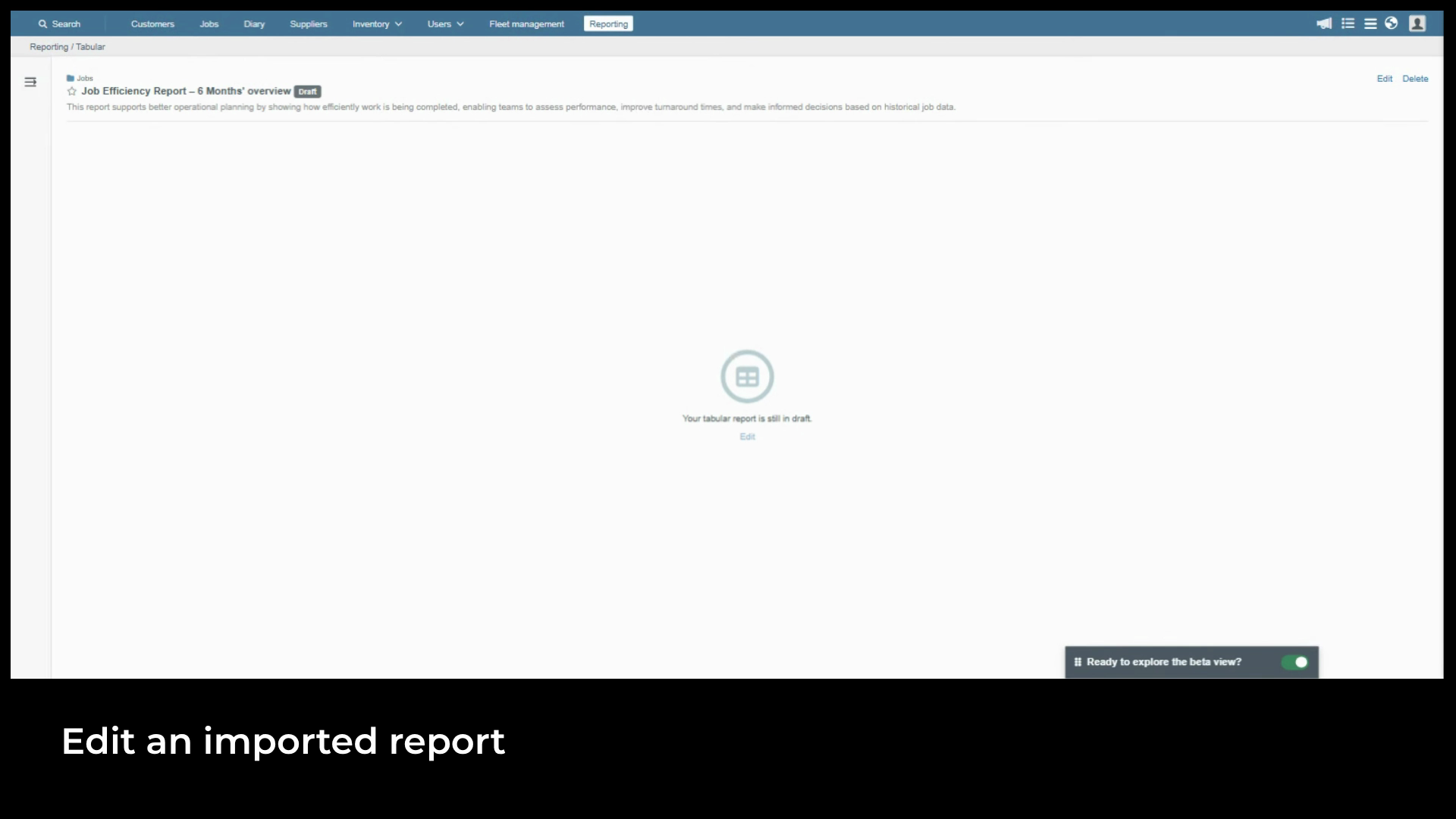
opens in draft. It won't be live yet. This gives you the chance to review and adjust before activating. Click
Edit to open the Report wizard and work through the steps as normal. The only restriction is the data source, which is
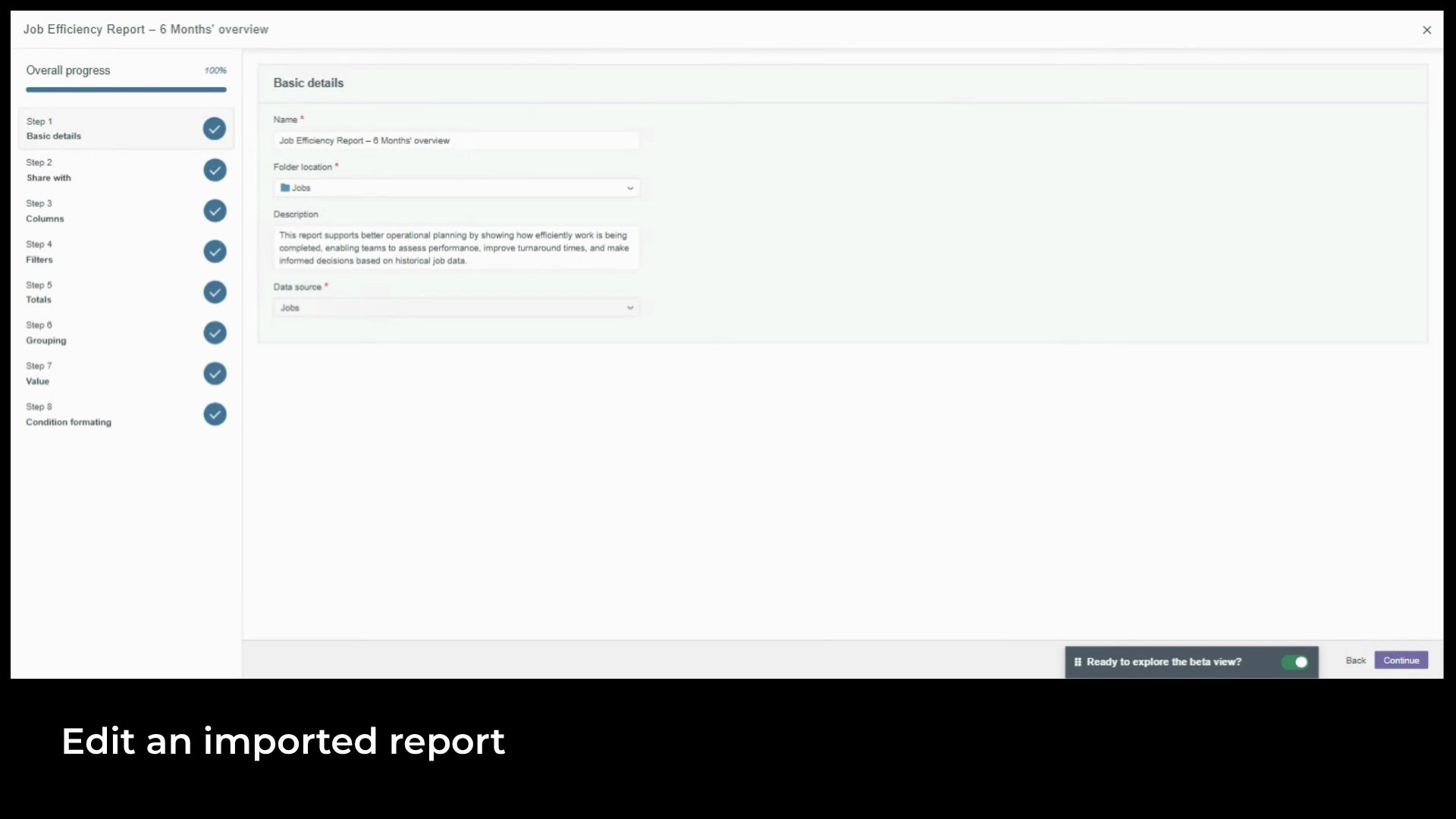
fixed and can't be changed. Once you're happy, navigate to the final step,
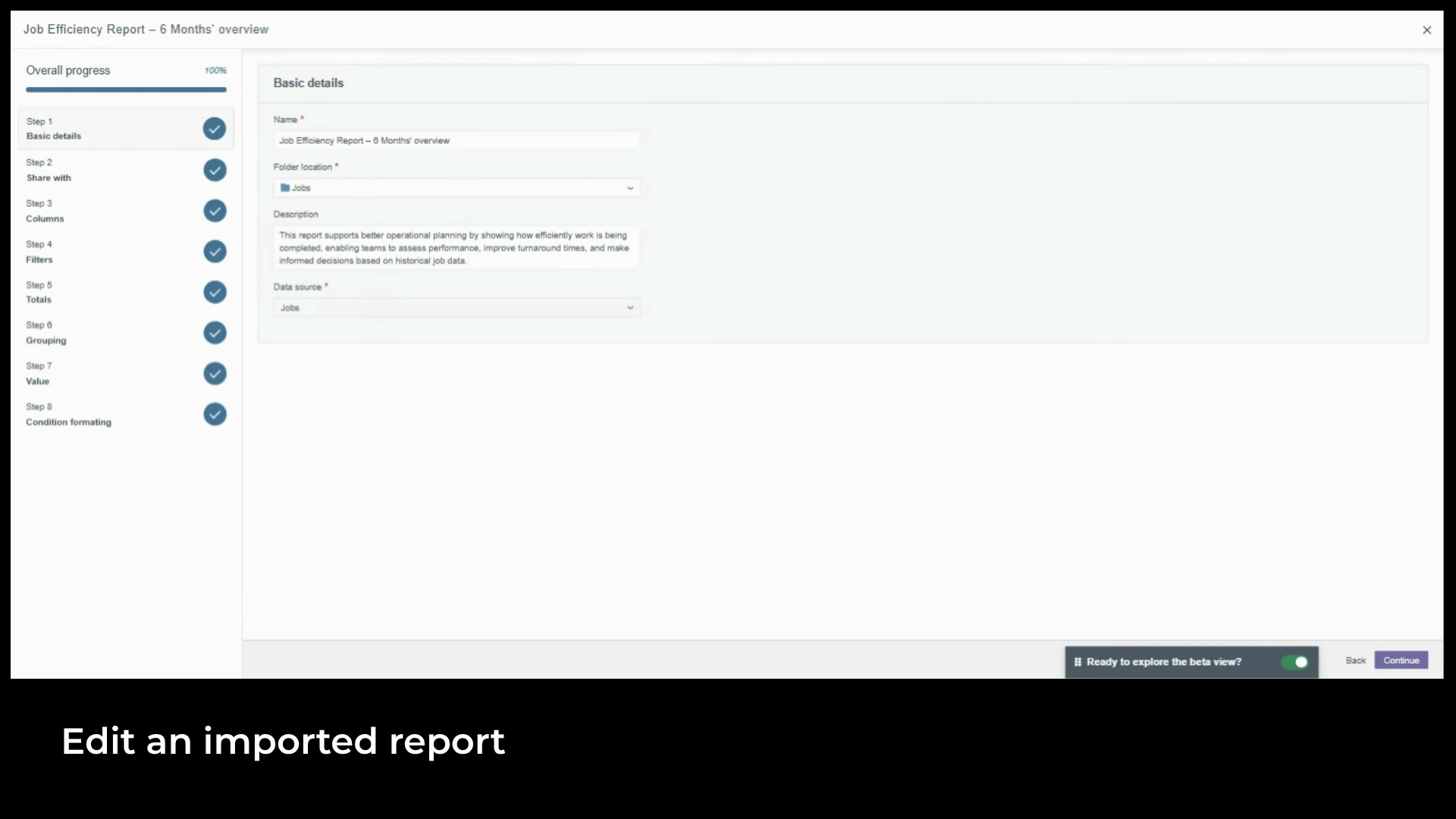
click Save, and choose Activate. Once a report is live, you'll
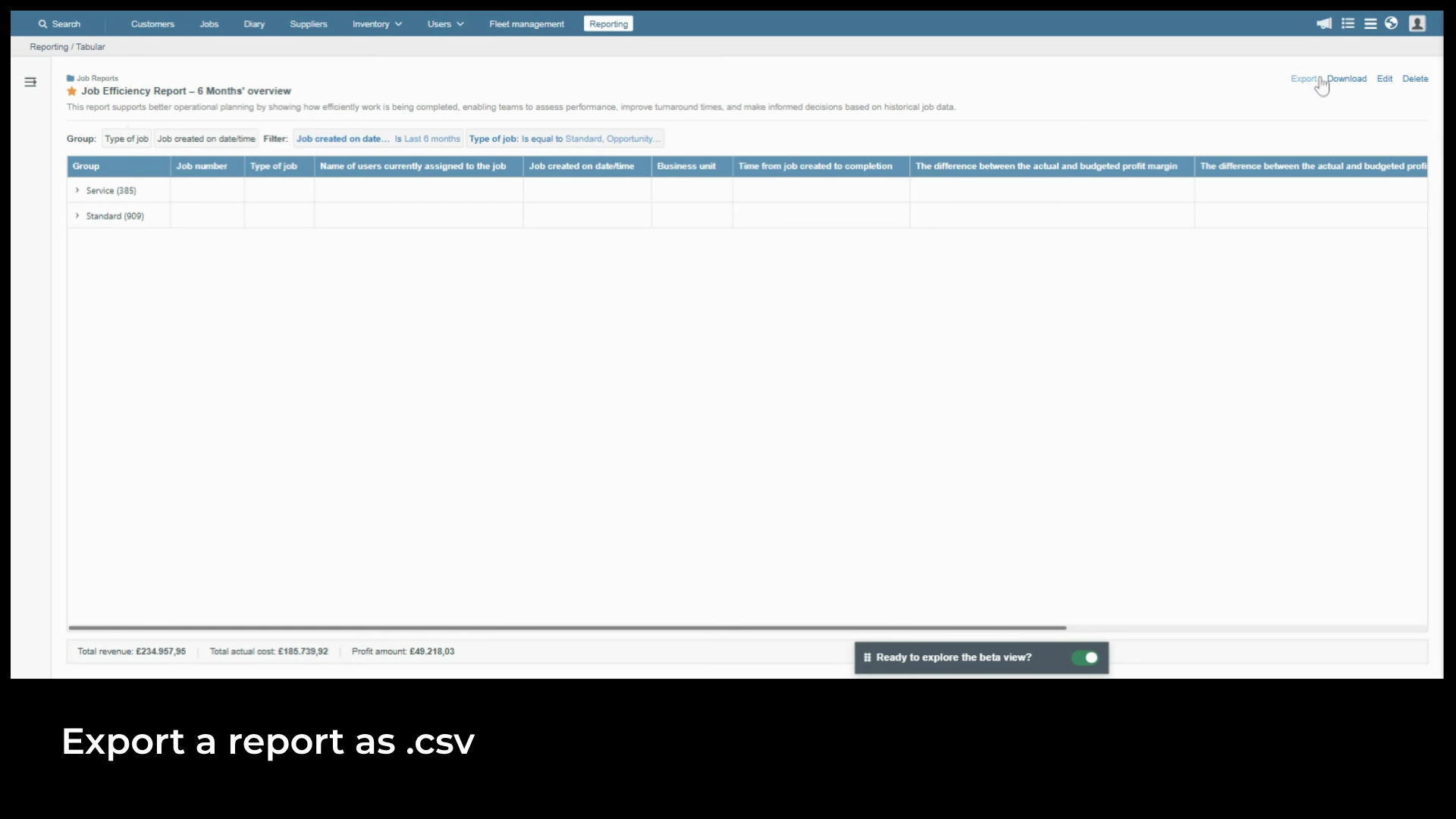
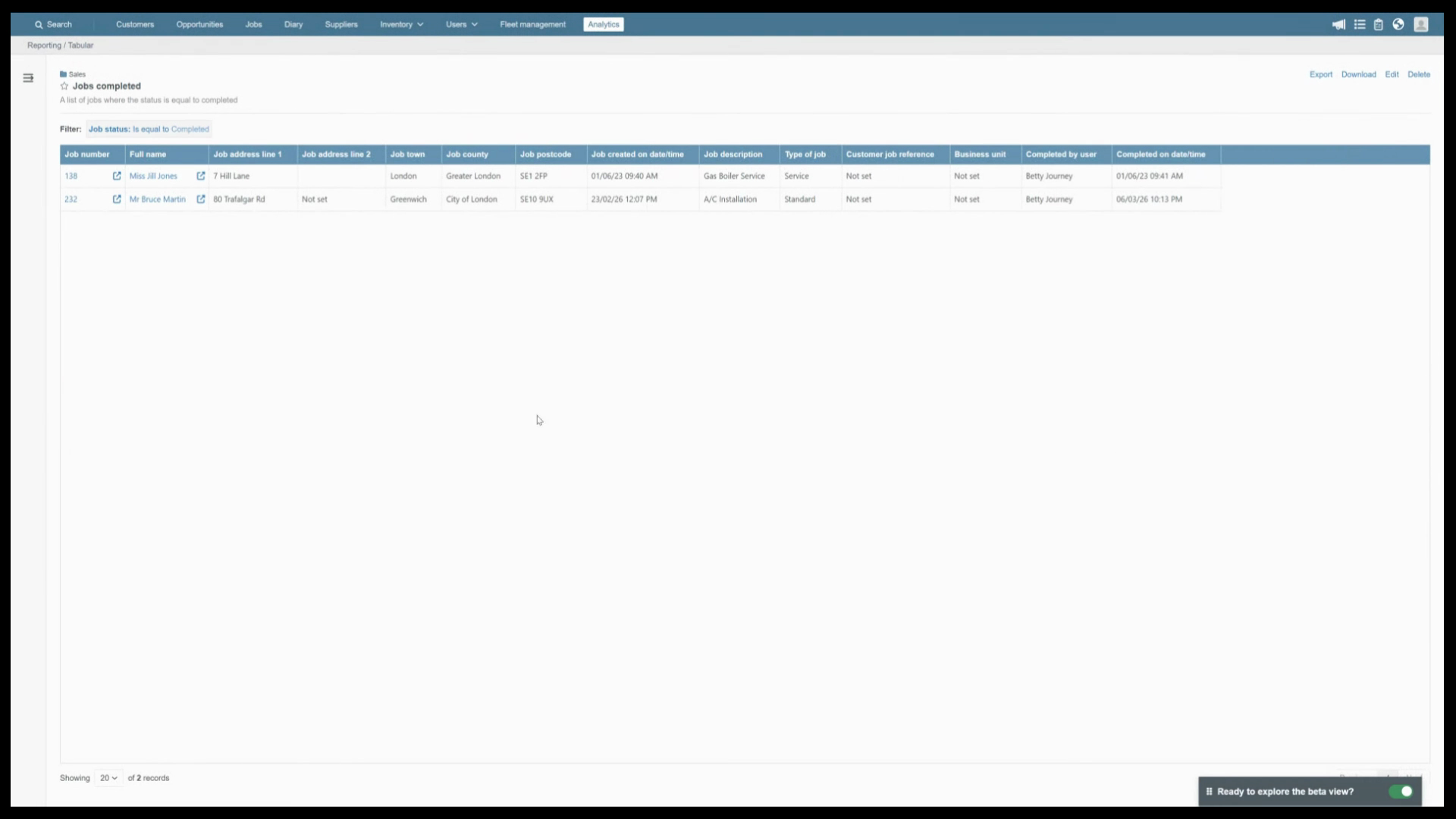
see the following actions at the top. Export generates a zip
file in the same format used for sharing. A colleague can import it directly into their own account,
bringing across the full report configuration. Download exports the current
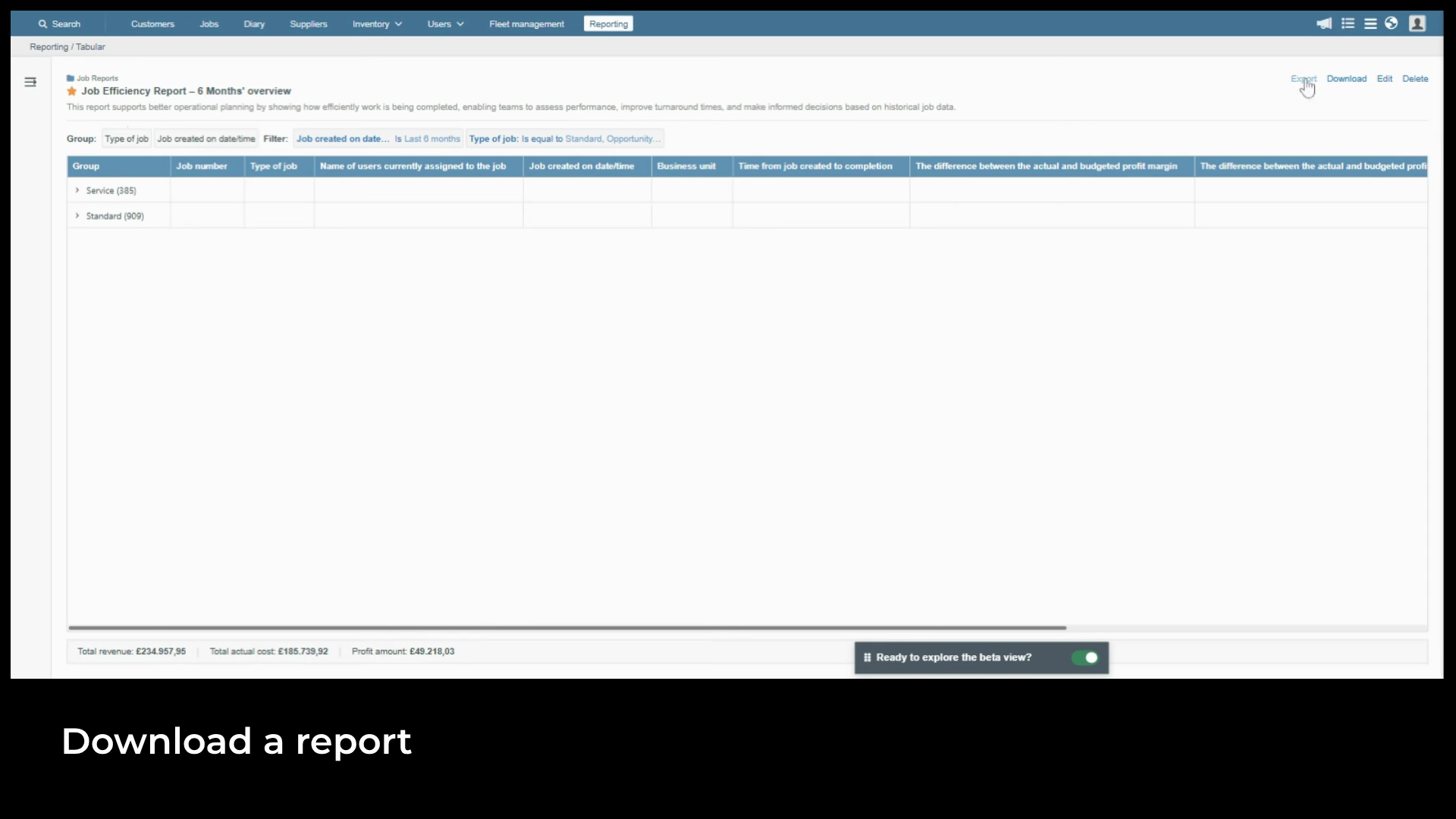
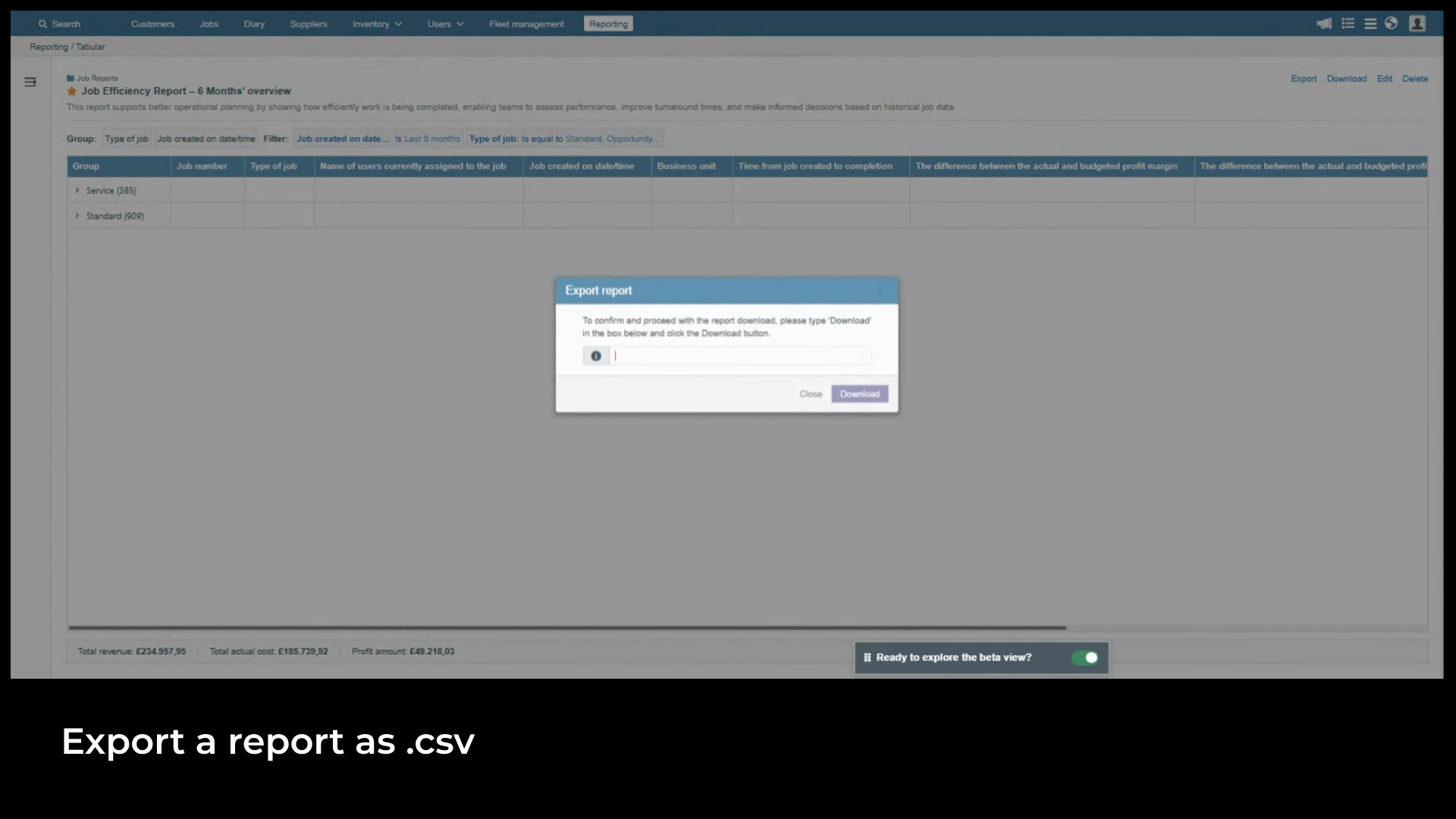
data as a CSV for use in Excel or sharing with stakeholders. This is a
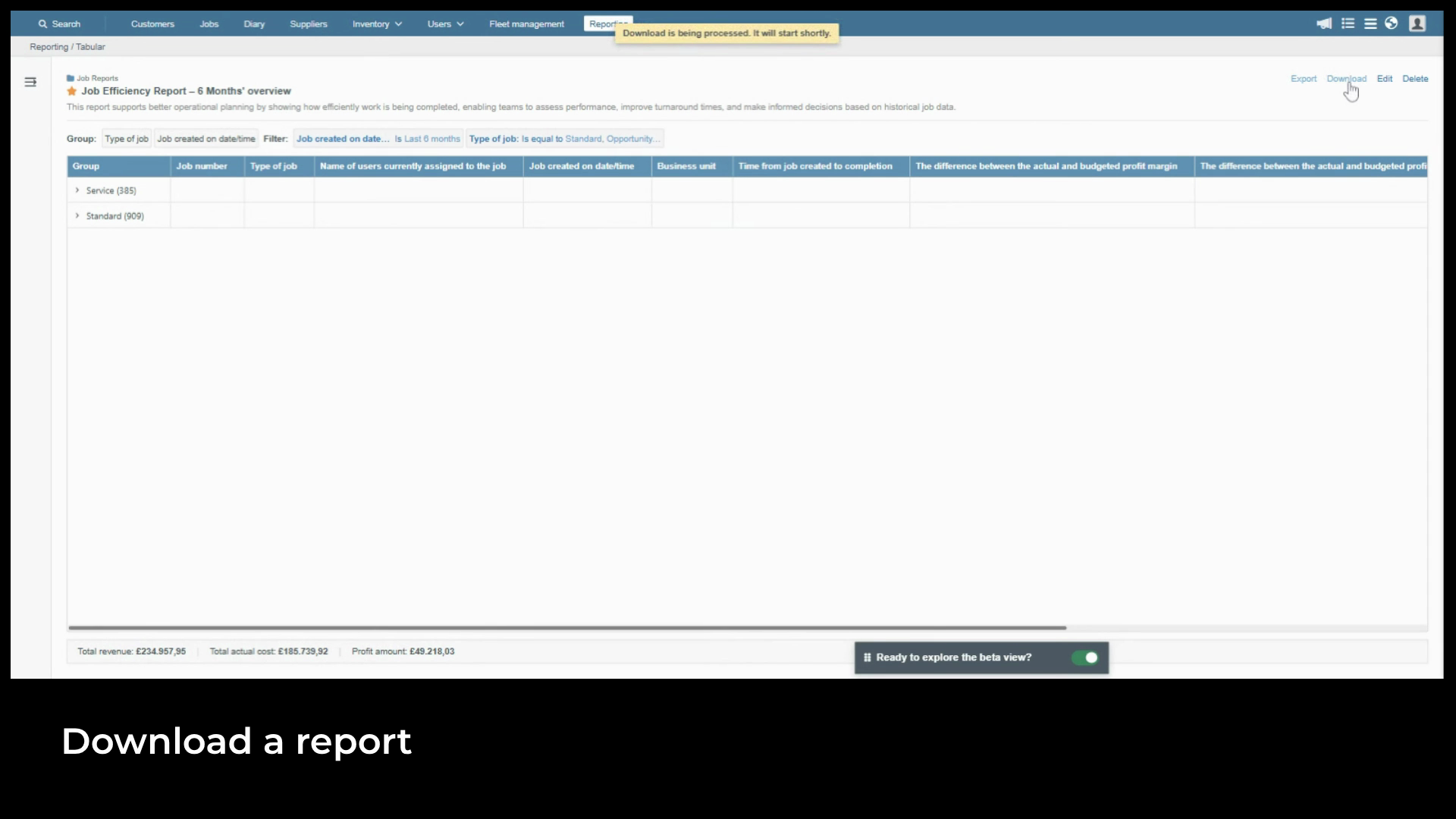
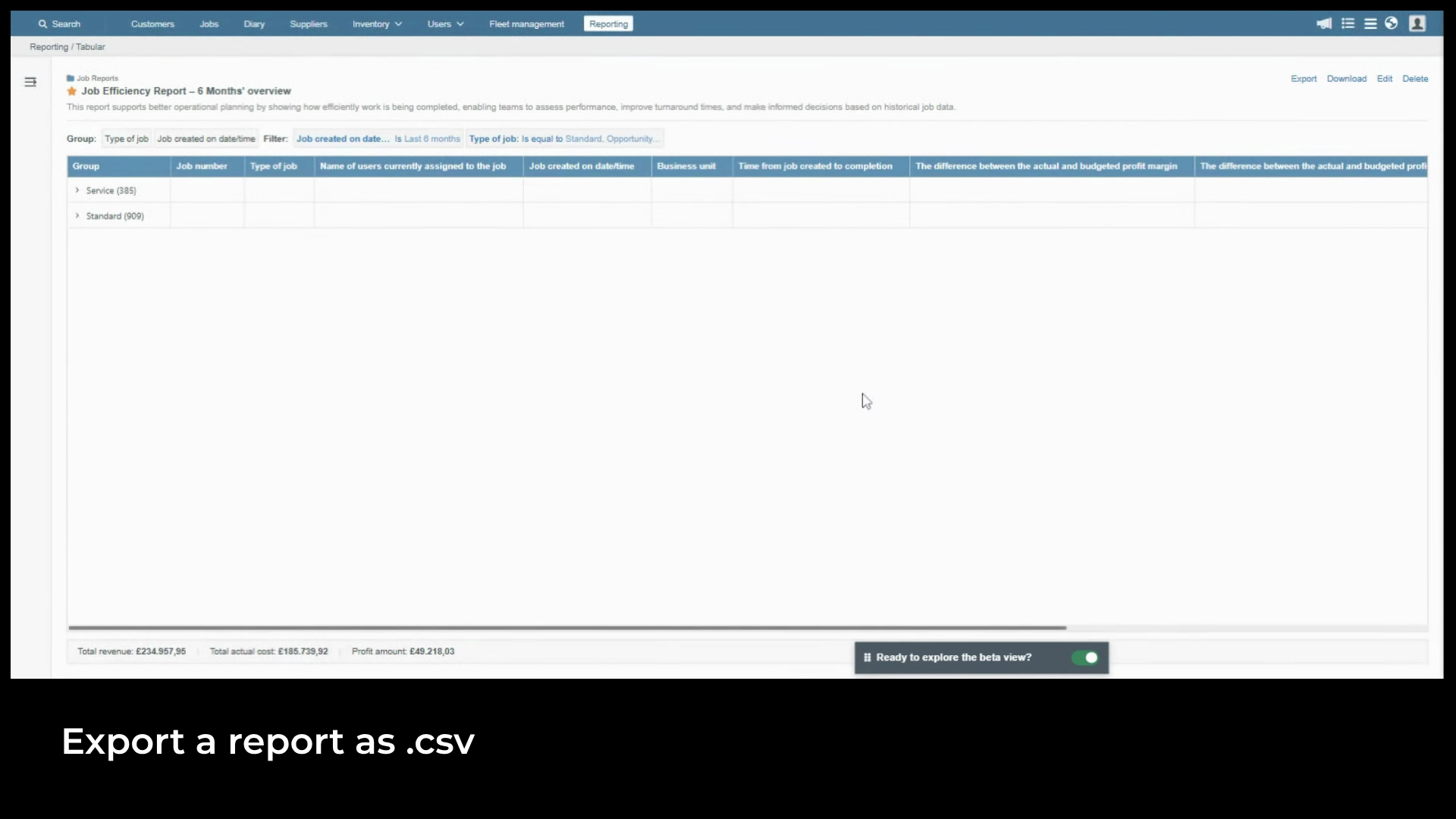
snapshot at the point of download and won't update if the report changes later. If the report contains more than
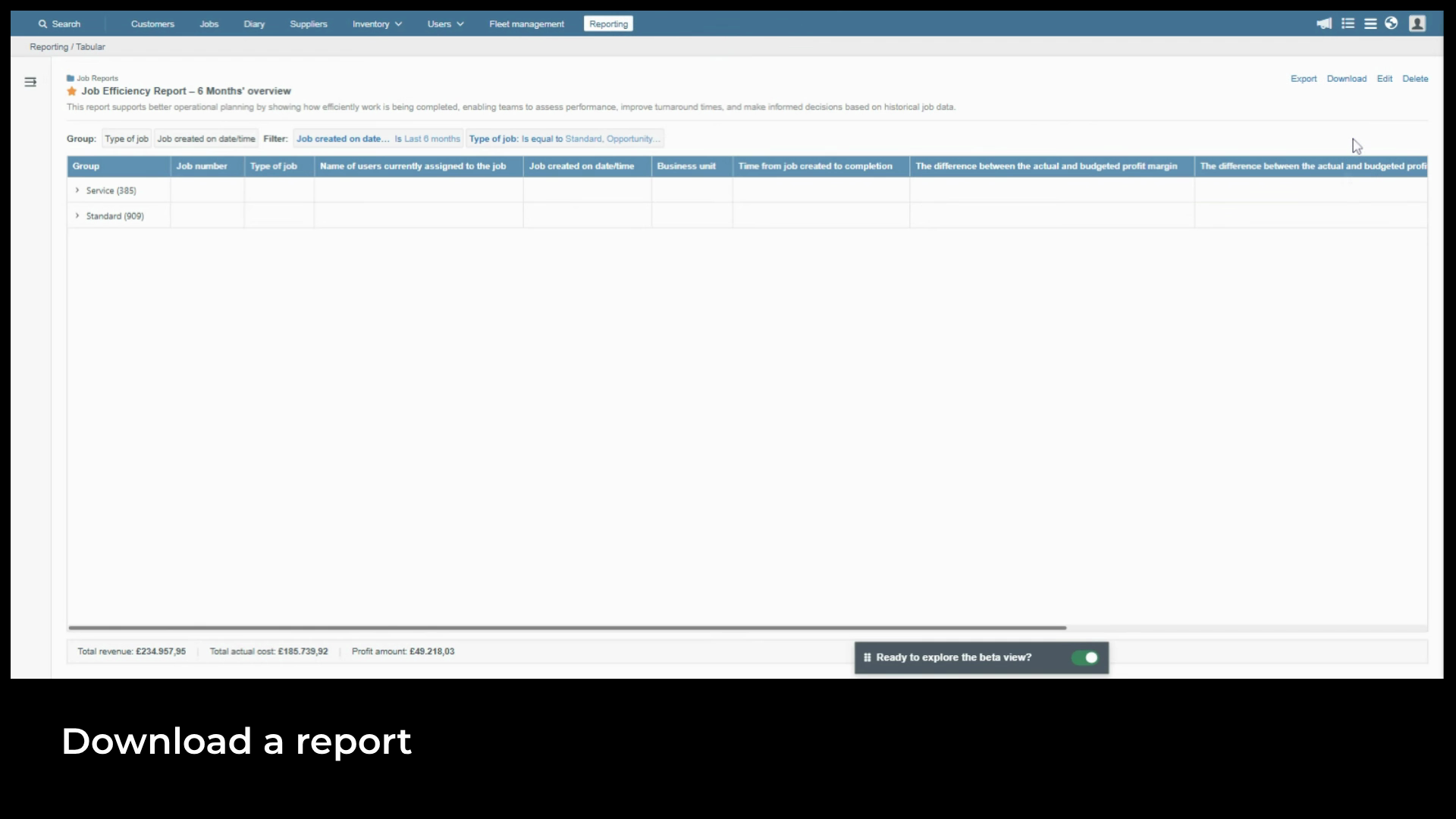
5,000 records, the system processes it in the background and
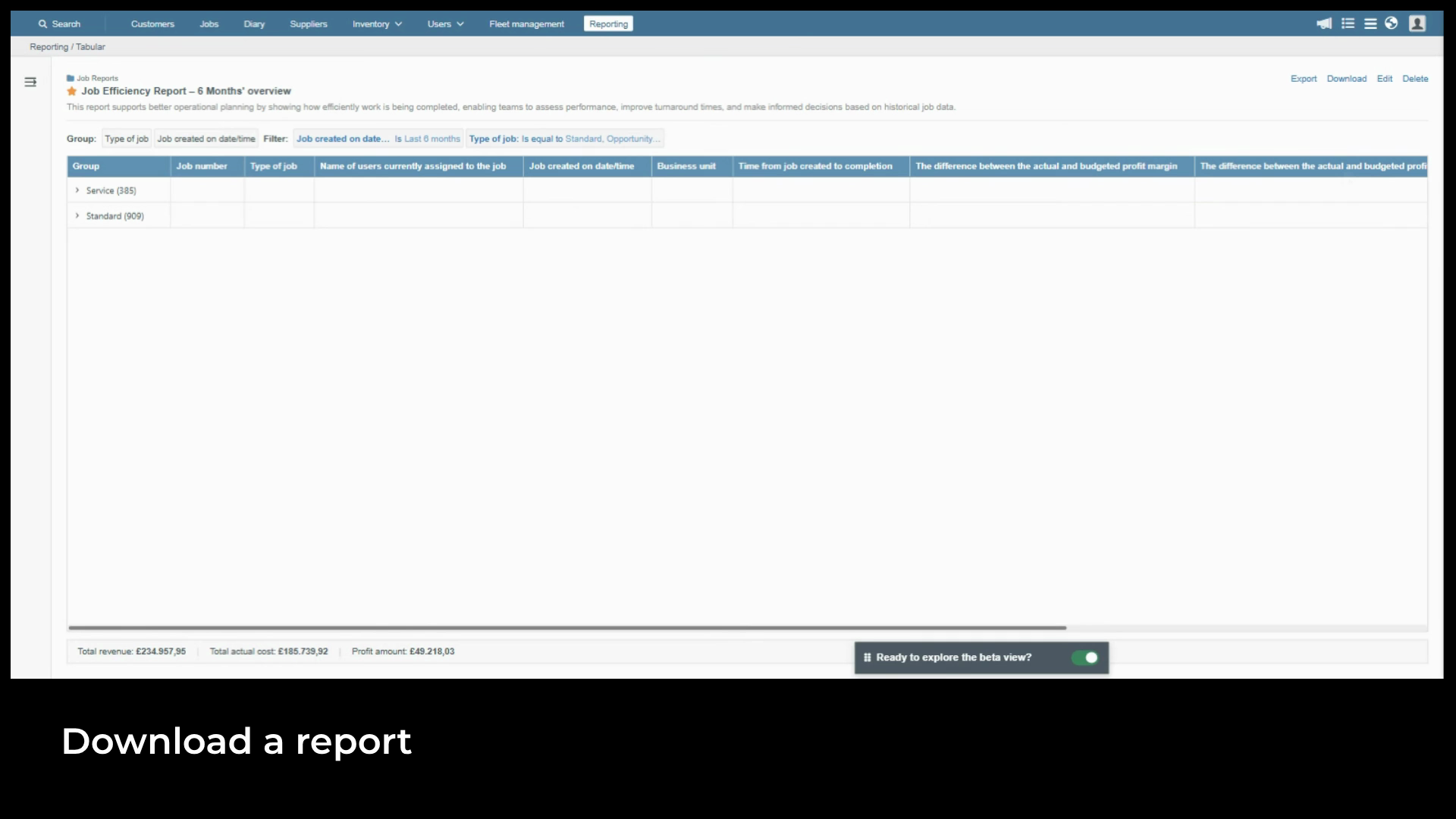
notifies you when the file is ready. Edit
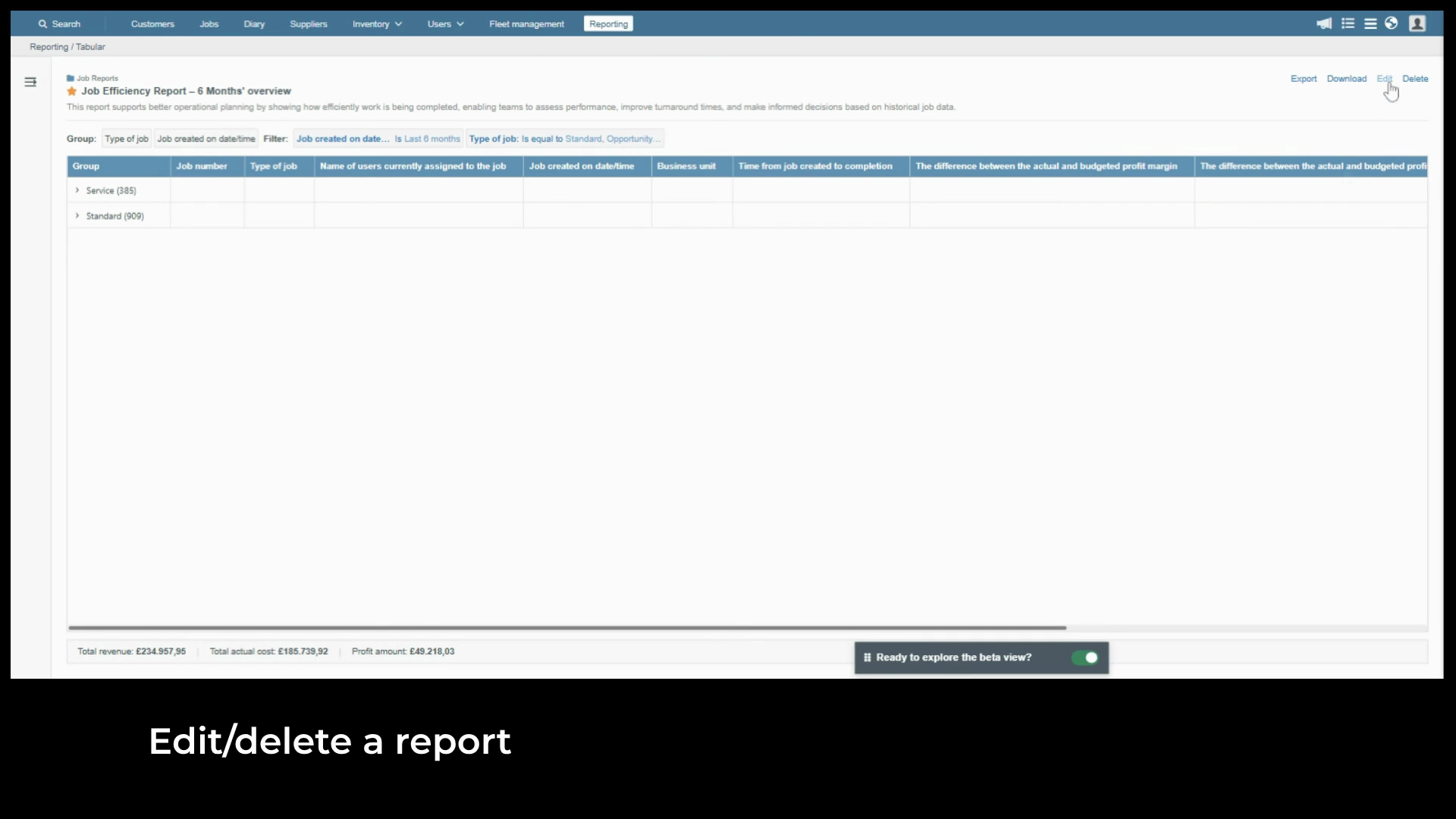
reopens the Report wizard so you can update columns, filters, groupings, or conditional
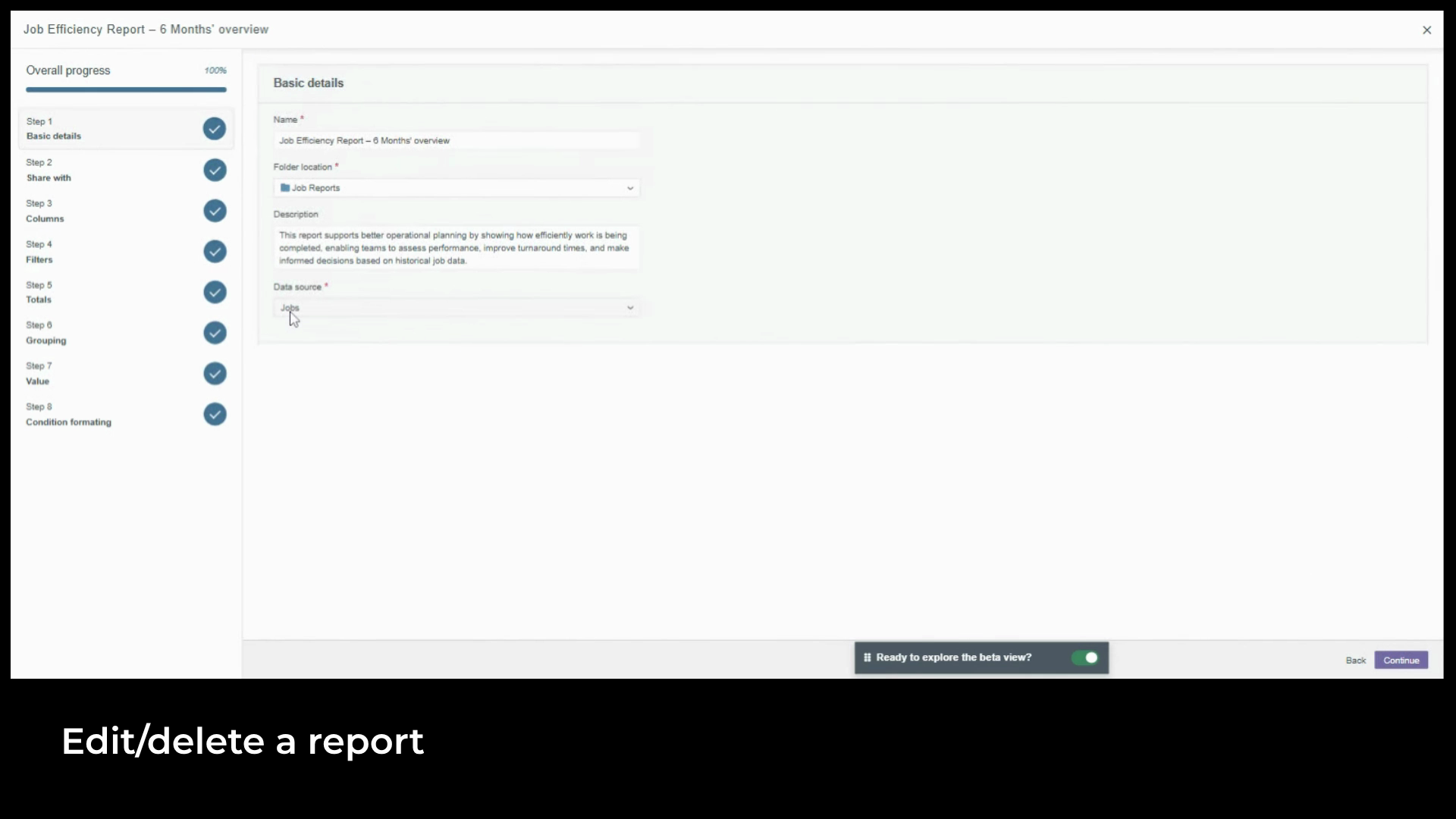
formatting at any time. The data source can't be changed after the report has been created.
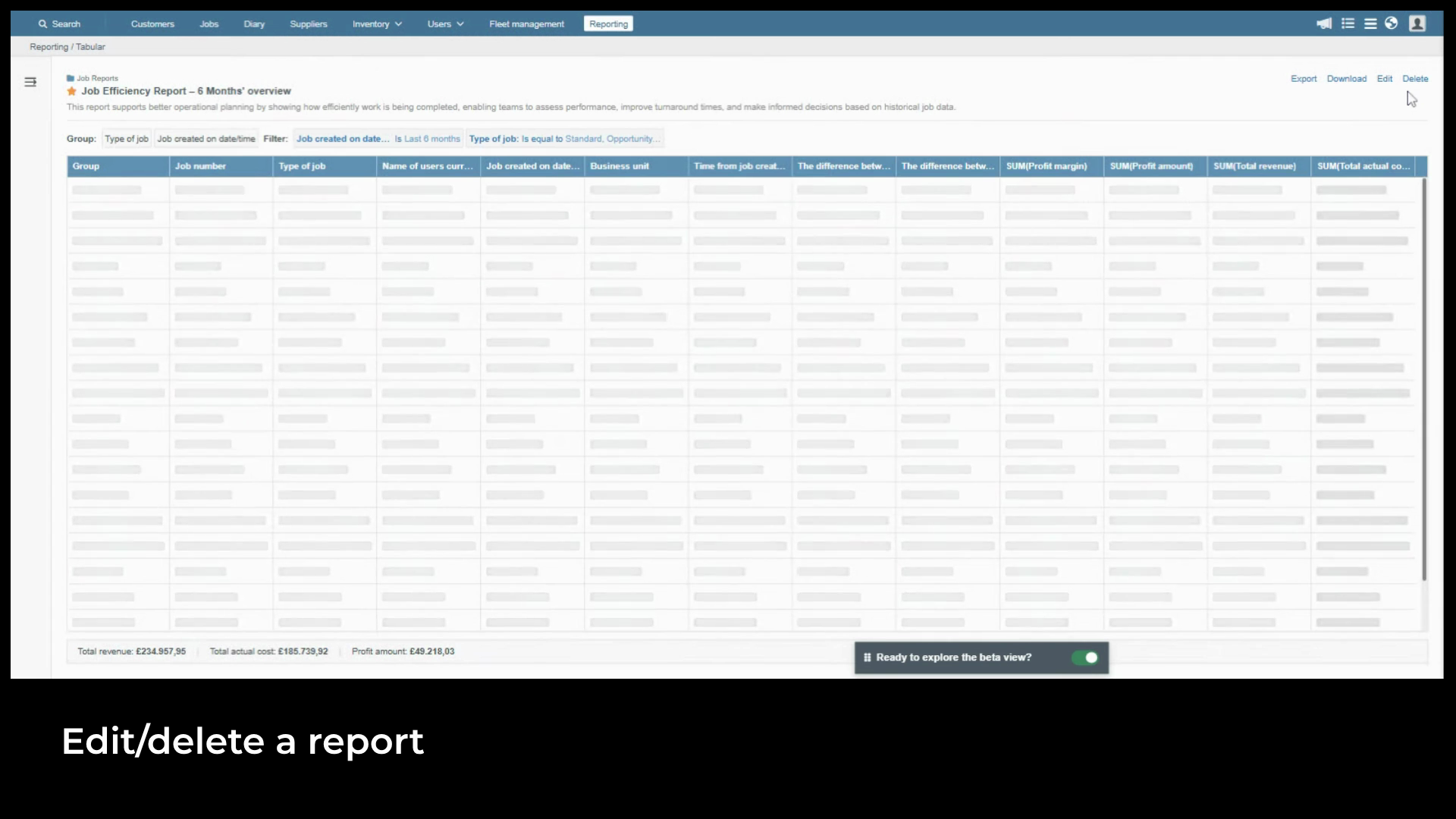
Delete permanently removes the report. The system asks for
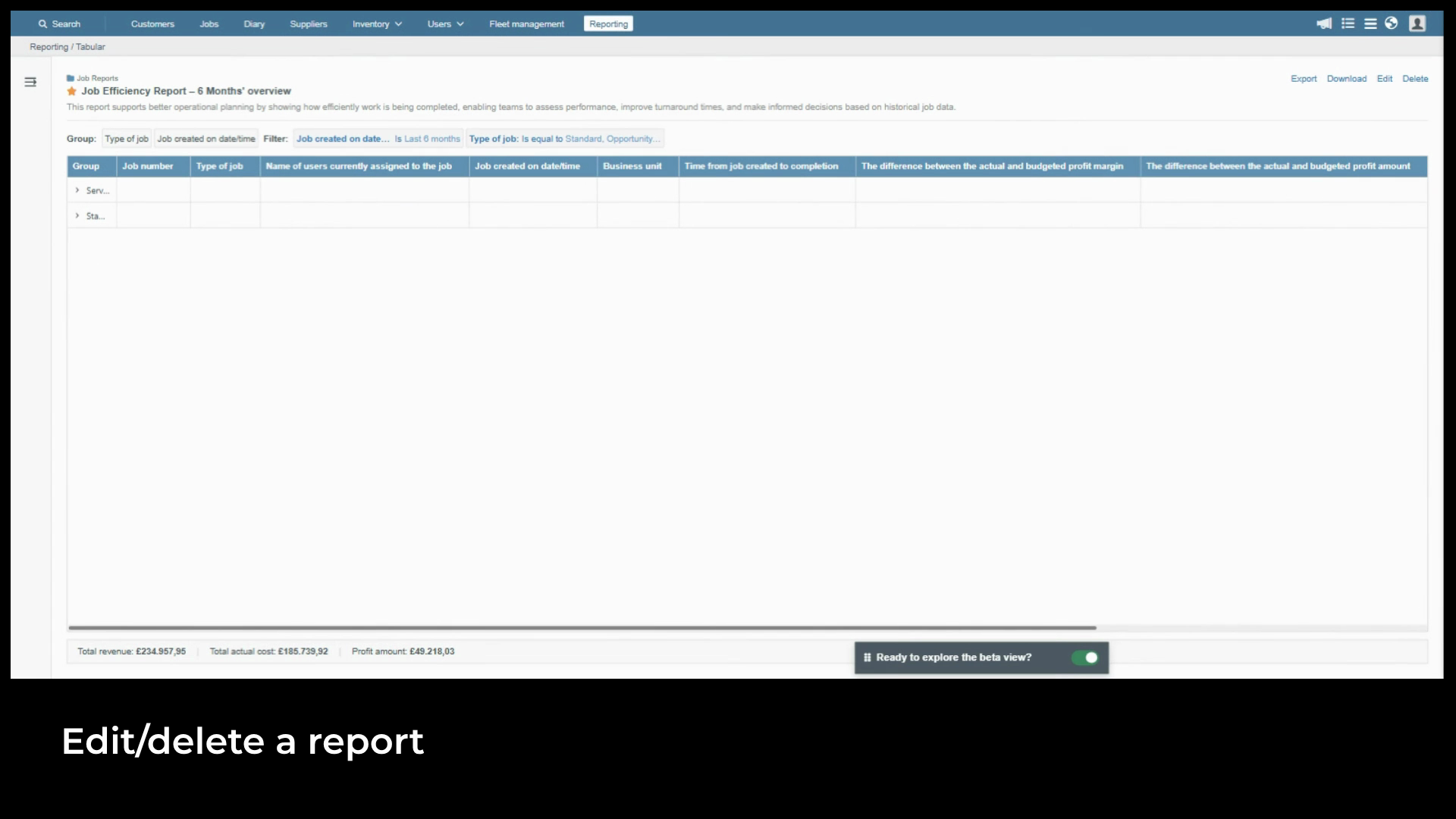
confirmation before anything is deleted and the action can't be undone.
Created on
Did you find this article helpful?