

Get to Know the Key Metrics Features
Stay on top of your operations by tracking jobs using different analysis tools. Each method gives you a unique perspective, helping you work smarter and make informed decisions.
Step 1: Use job count to get a quick overview.
The job count tallies the total based on your filters. Instantly see workloads by checking jobs completed per week or the volume handled by each team.
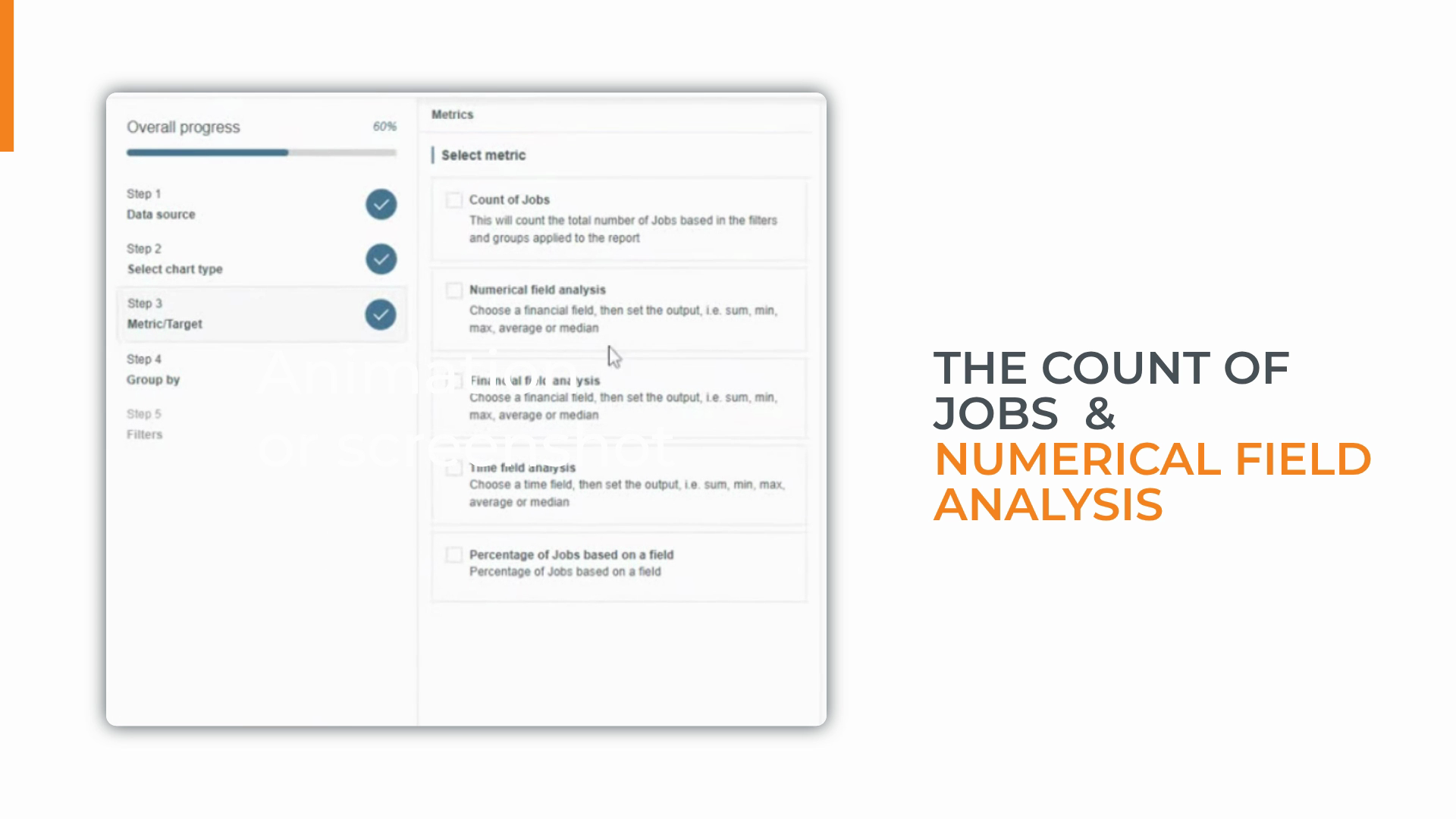
Step 2: Analyze numerical fields for deeper insights.
Aggregate specific data like hours worked or number of visits to understand resources used.
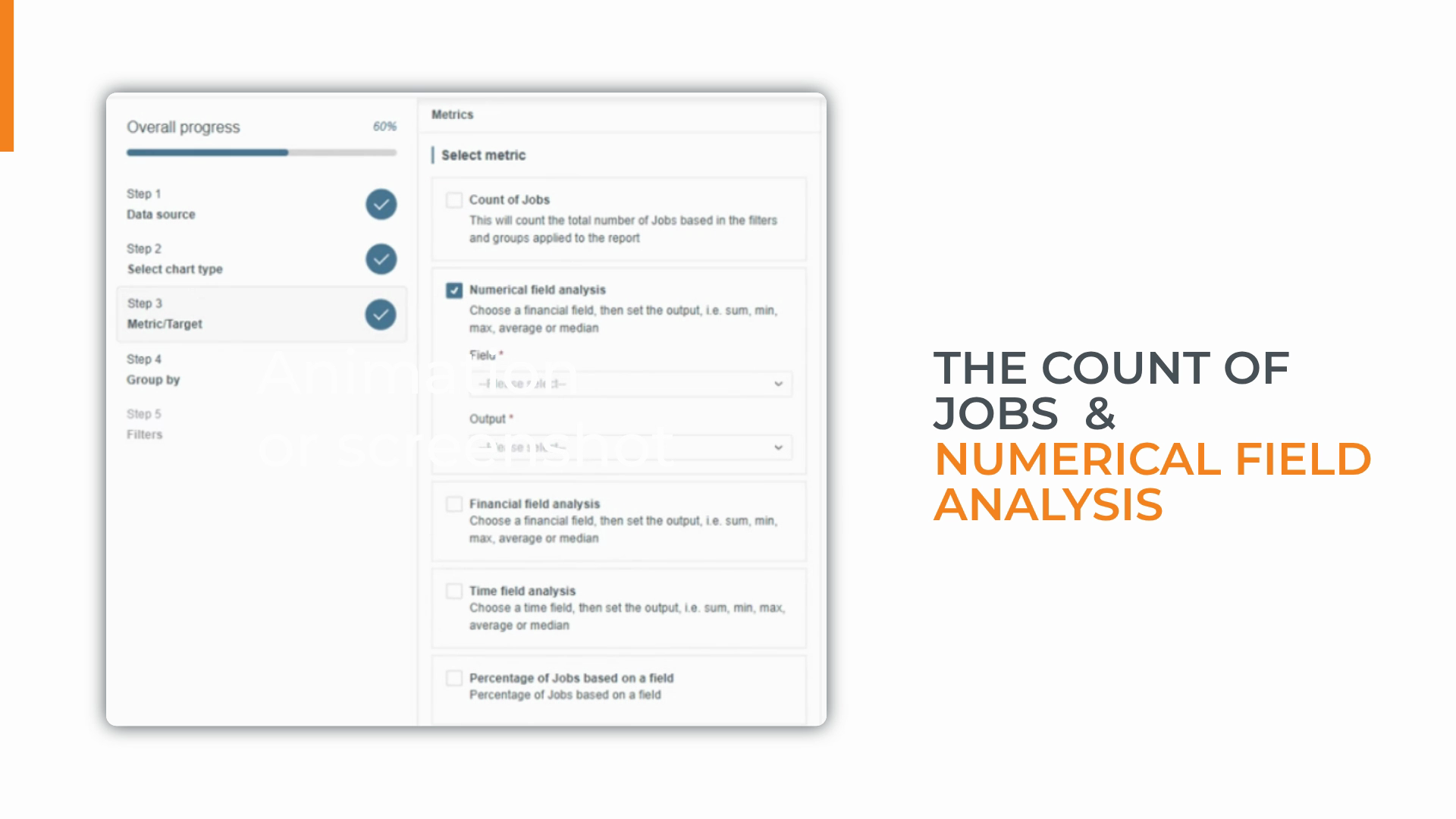
Step 3: Calculate averages or medians to track KPIs.
Monitor averages like the time engineers spend on site per job to keep performance on target.
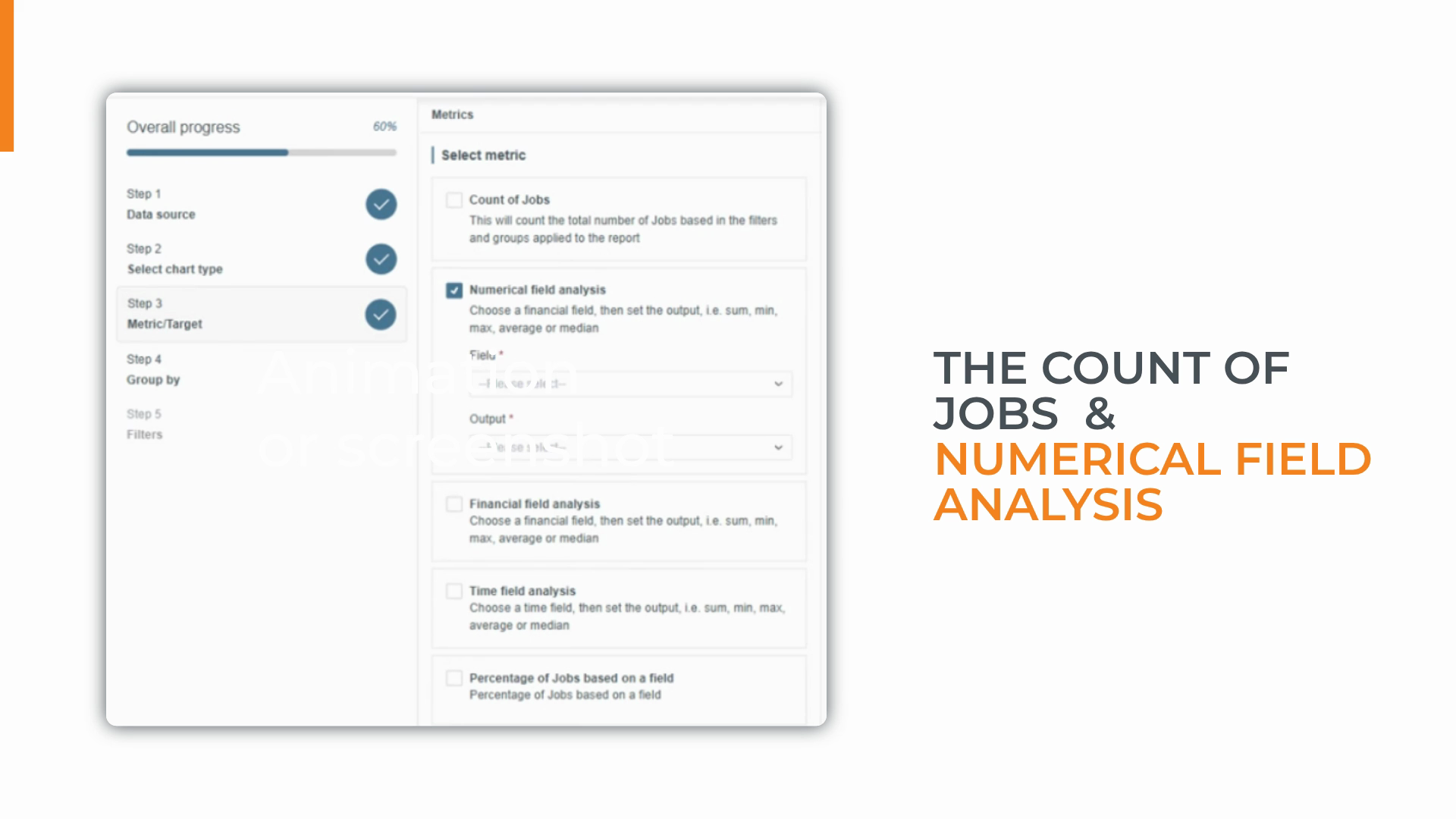
Step 4: Track financial fields to monitor your bottom line.
Analyze job costs and revenue to evaluate profit margins or compare regional revenue.
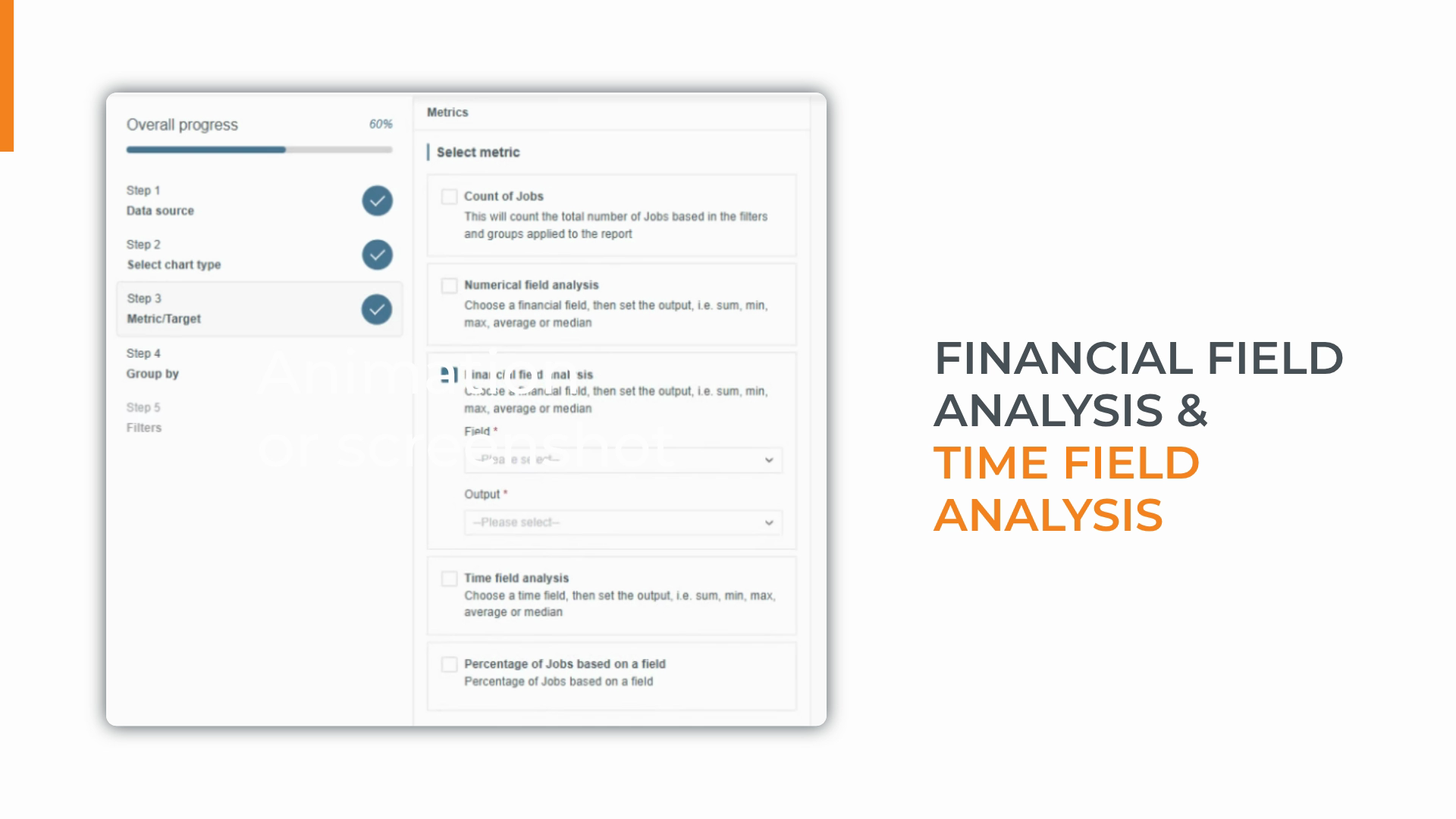
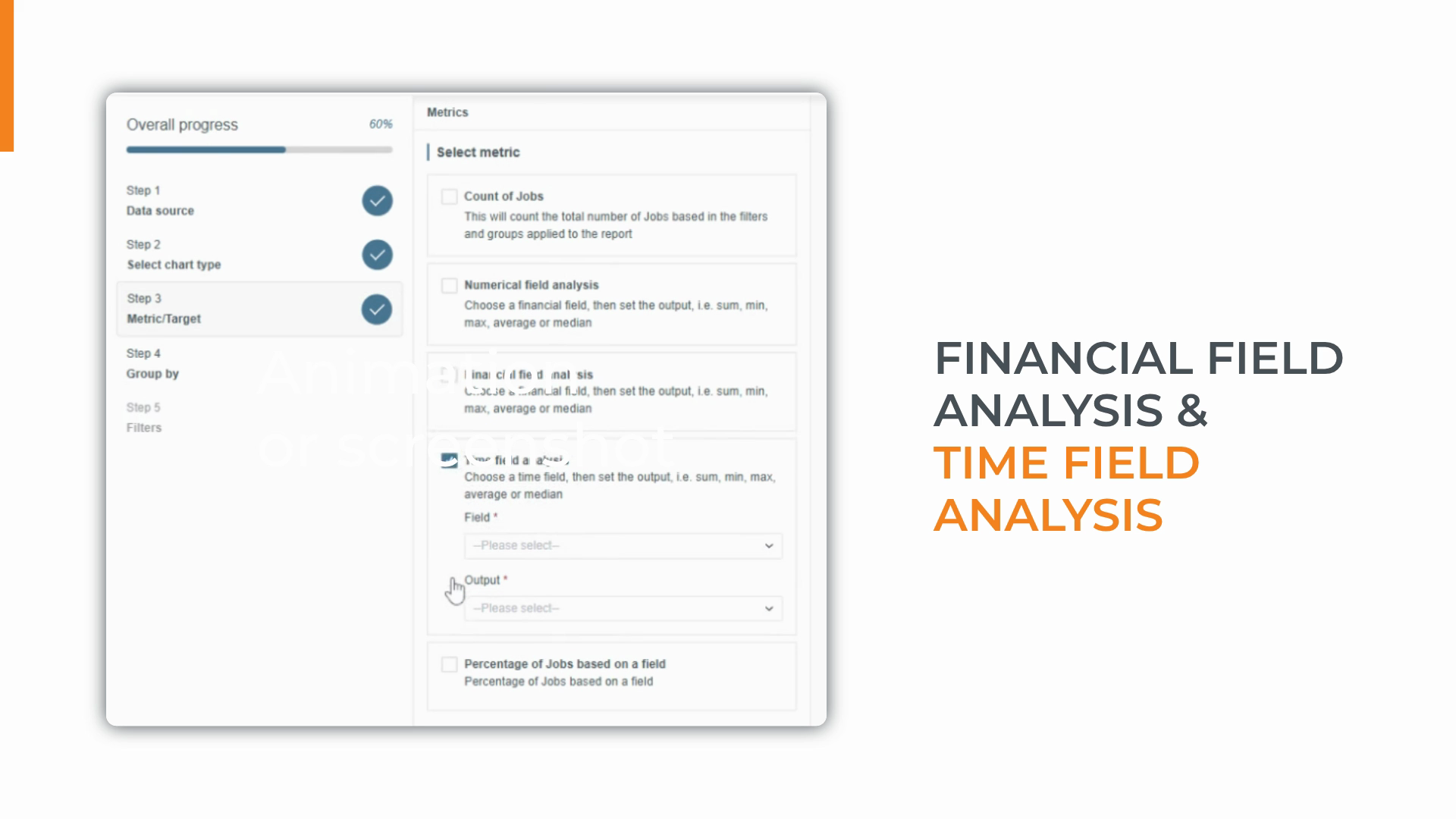
Step 5: Use time field analysis to measure workflow speed.
Calculate durations between key events to spot bottlenecks and measure turnaround times.
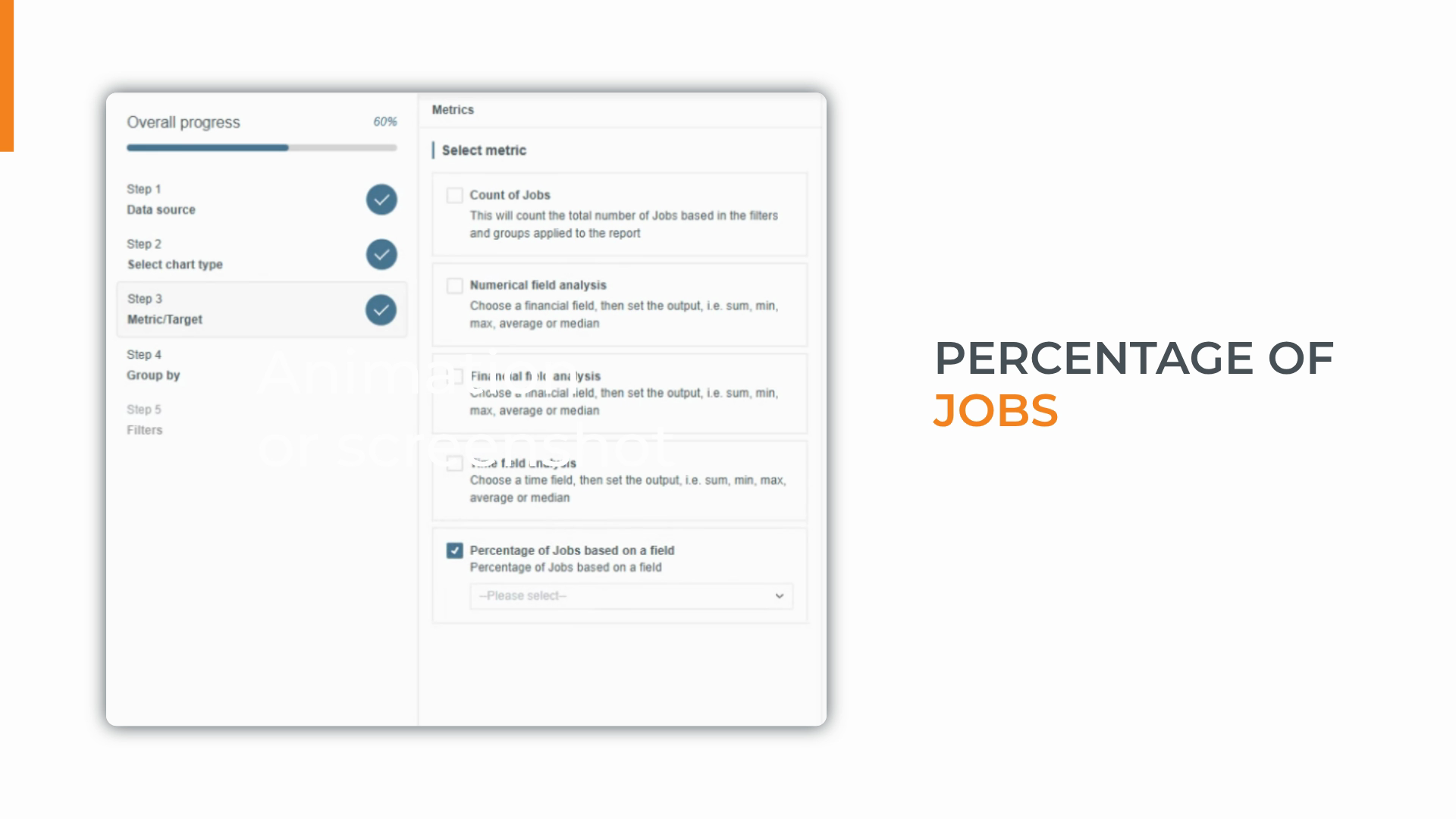
Step 6: Monitor percentages for compliance and audits.
See what portion of jobs meet certain criteria, such as those missing Essential Access Details.
These analysis options let you customize your reports and dashboards so you’re always equipped with the metrics that matter most to your business.
Created on
Did you find this article helpful?