

Folder structure in tabular reporting 6
00:00 / 00:00
Lets organize the folders you'll need for your first report. Each tabular report goes into a folder. To make a folder, click New
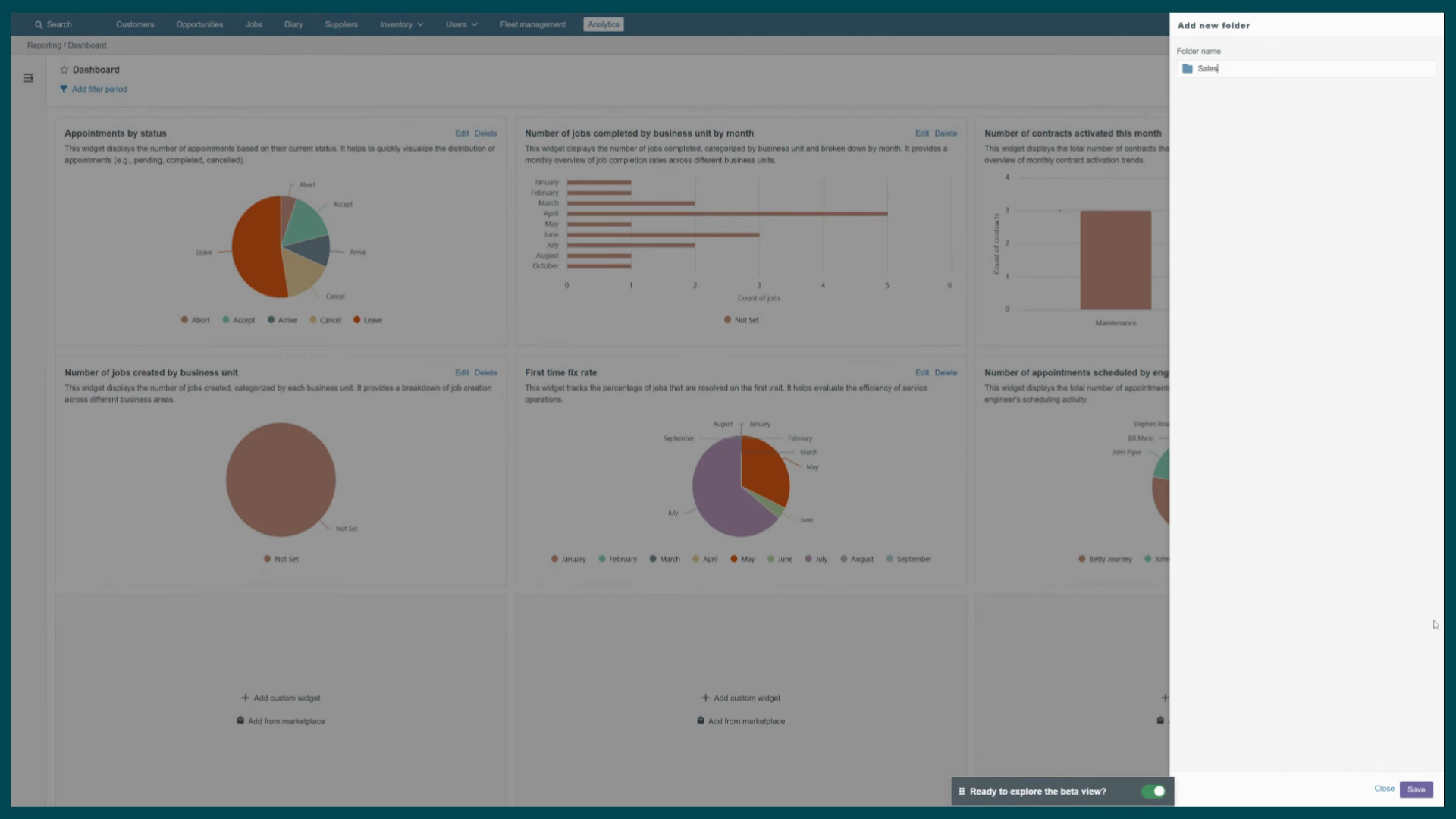
Folder at the bottom of the left panel, give it a clear name, and click Save. Make as many as you need. Once a folder exists, hover over it
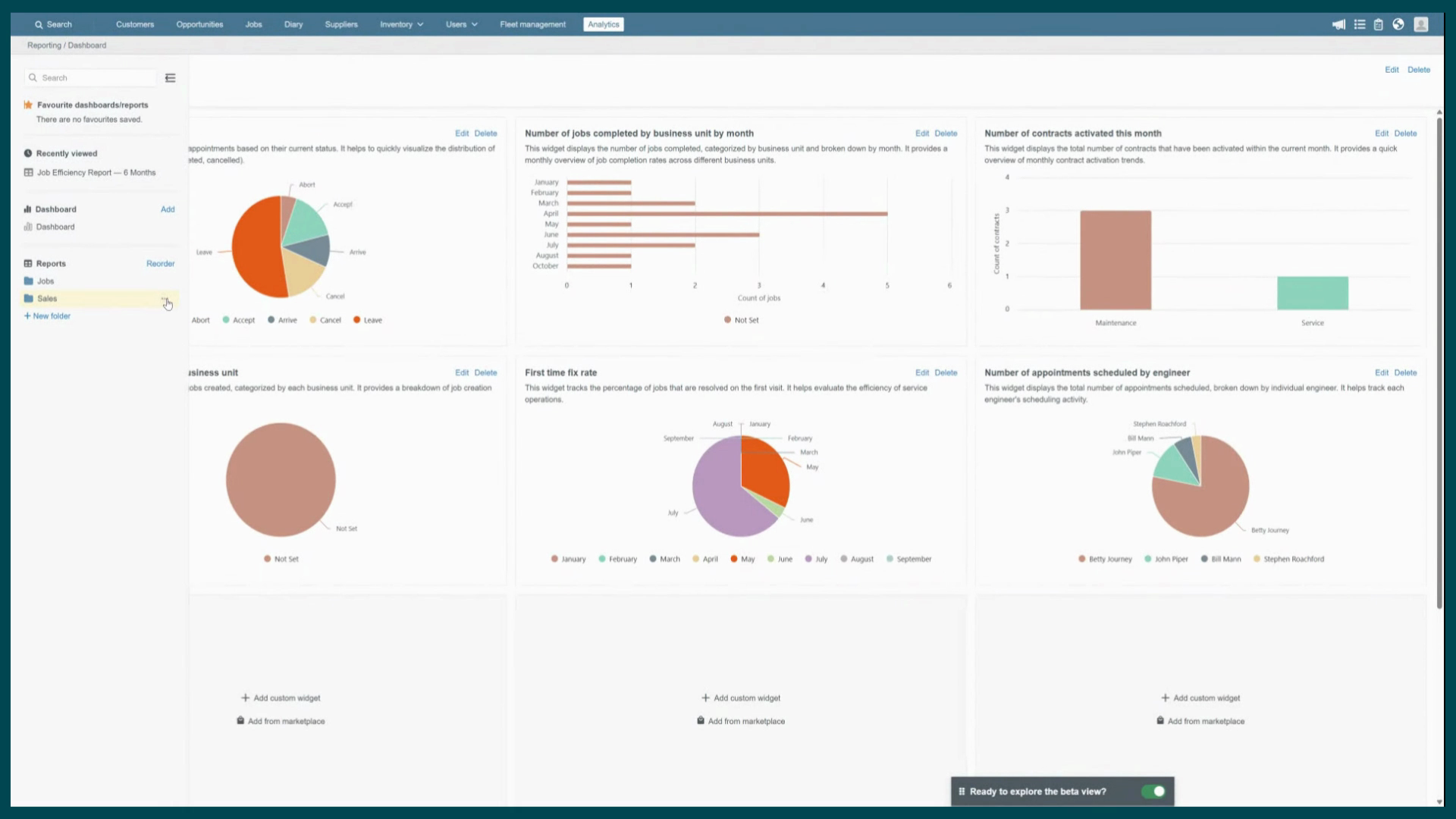
and click the three dots to manage it. From here, you can add a report, rename the folder, or delete it. To add a new report,
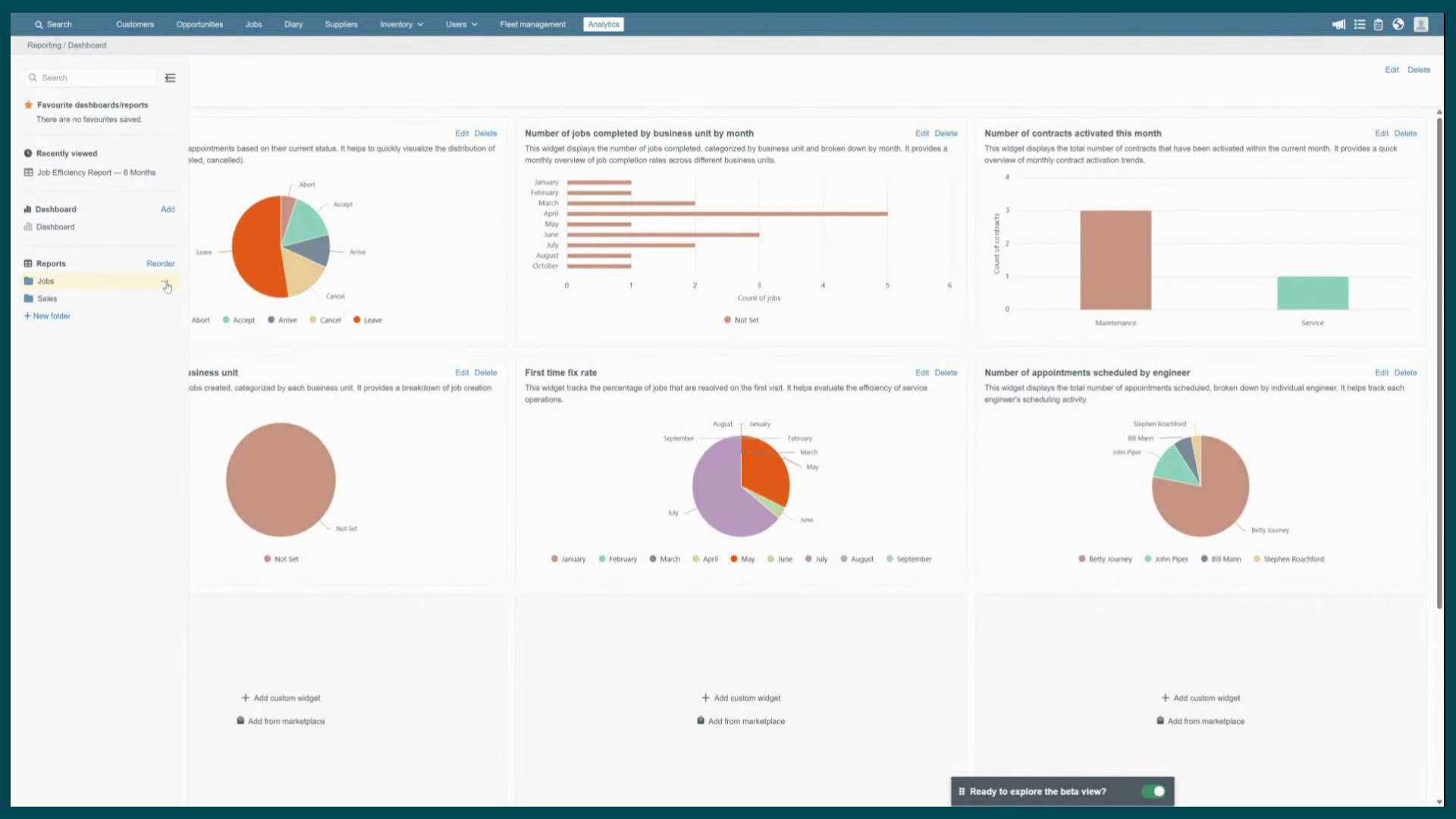
click your folder name and select from three options Add Report opens the report
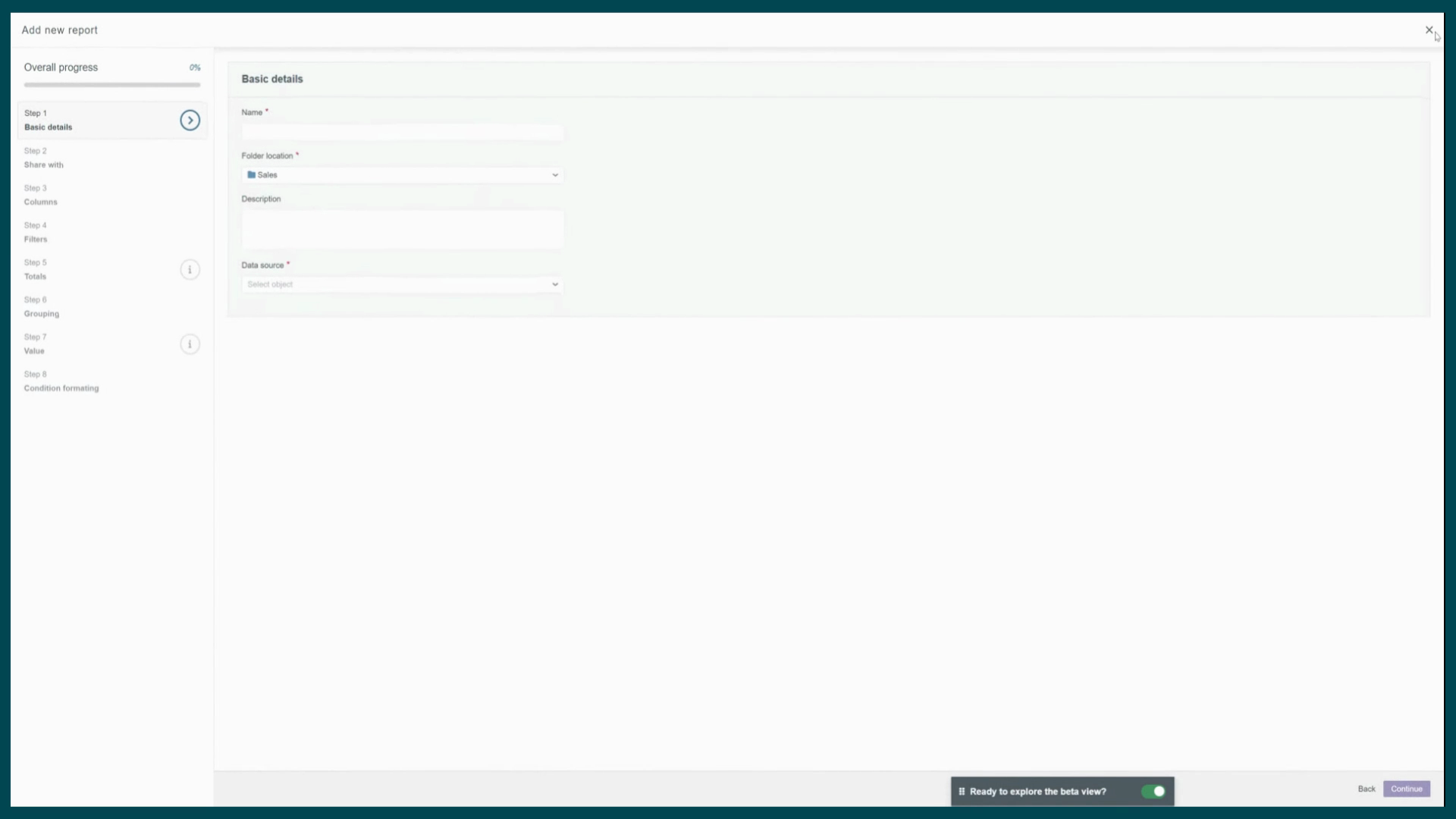
Builder, where you can configure everything from Scrat.
Created on
Did you find this article helpful?